Graphic Design.
Here you will find some examples of graphic design I have done for various projects.
Datacentreplus Introduction Brochure
Here is an introduction brochure I created for Datacentreplus.
Datacentreplus Data Protection Brochure
Here is a brochure I created for Datacentreplus for a new product they were launching.
Apex -E-book
Here is an E-book I created for Datacentreplus Apex Computing.
Datacentreplus Hospitality map
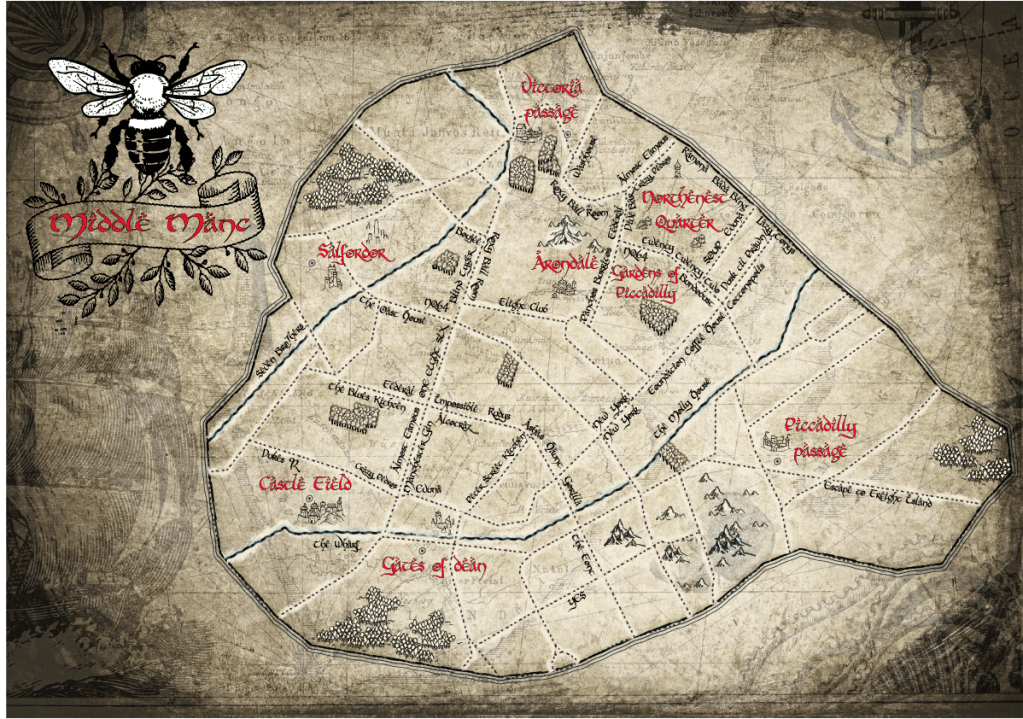
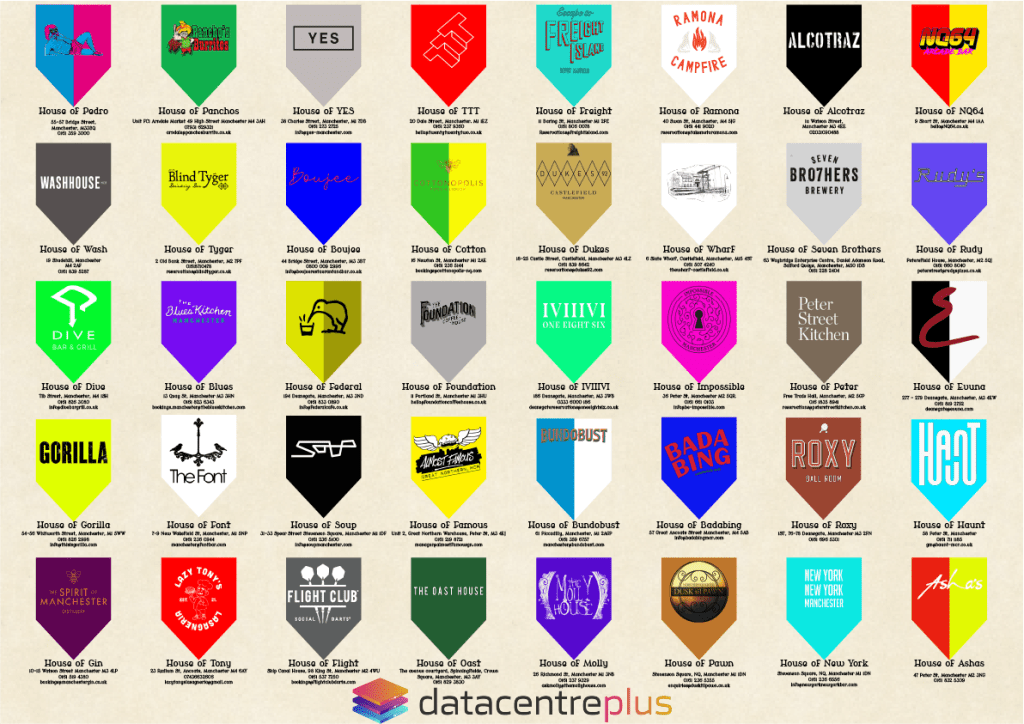
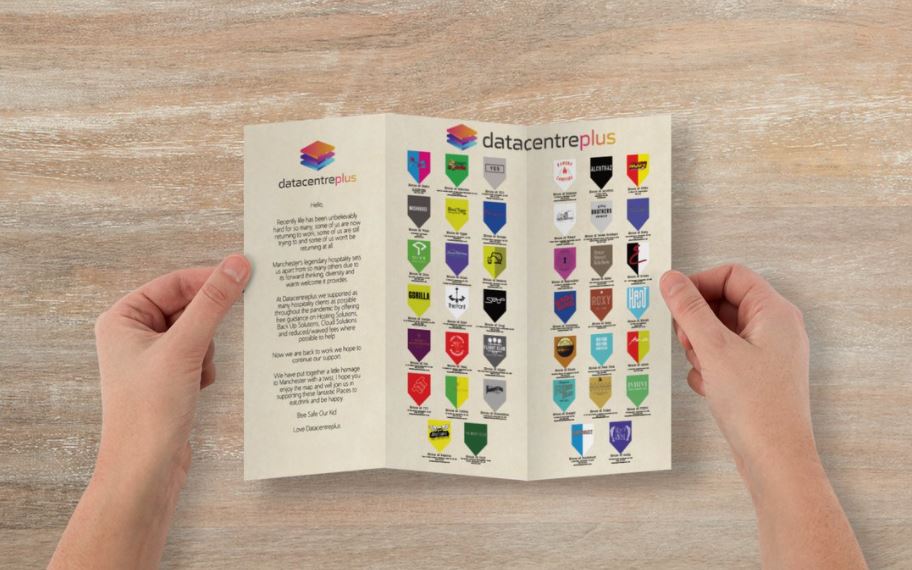
One of the campaigns I created for Datacentreplus was a hospitality map of Manchester. The brief was to create a campaign that would incorporate the local area whilst still being accessible to our audience.
From my research I found that the local hospitality industry was still suffering from the effects of the pandemic and that a lot of our audience enjoyed geek culture content such as lord of the rings and game of thrones
So with the map my aim was raise awareness of the local hospitality in Manchester to help them recover after the pandemic whilst creating content that can be appreciated by our audience.
The map was then printed into posters and leaflets and handed out around Manchester.
A challenge I overcame during this campaign was the creation of the map. I started off using Adobe Illustrator however this wasn’t having the result I was looking for so I found a map building software called ArcGIS Pro, I taught myself how to use this software and then used it to create the graphic.
Datacentreplus Football Kits
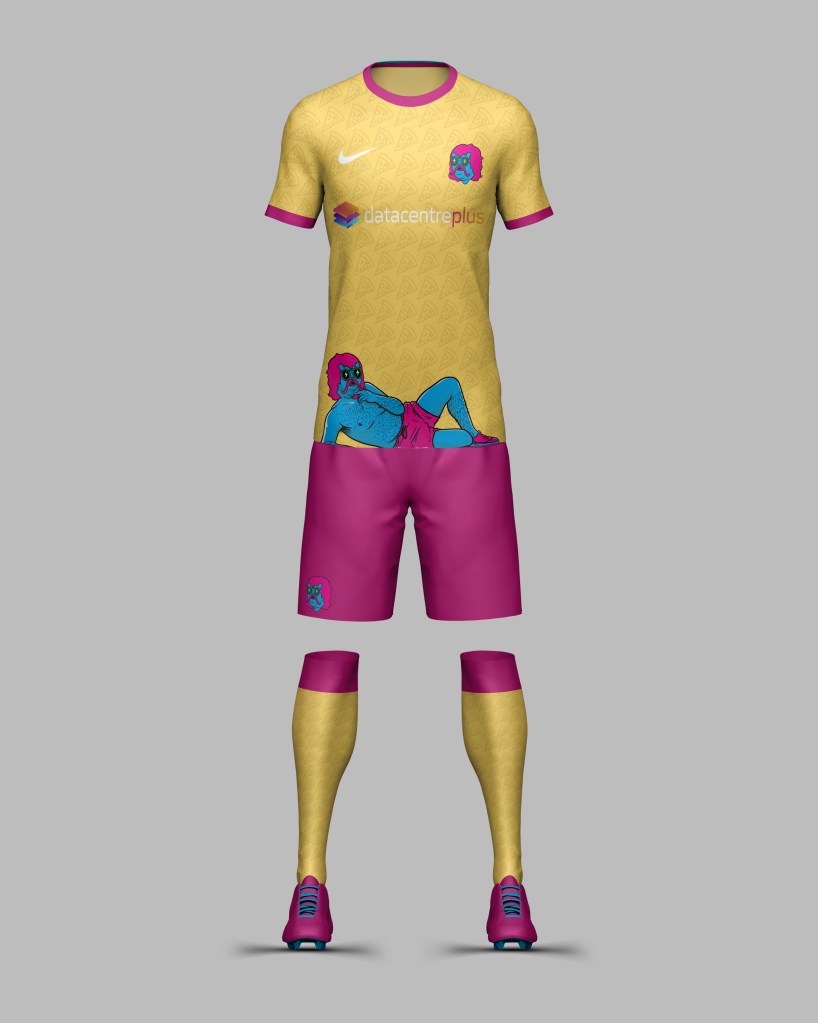
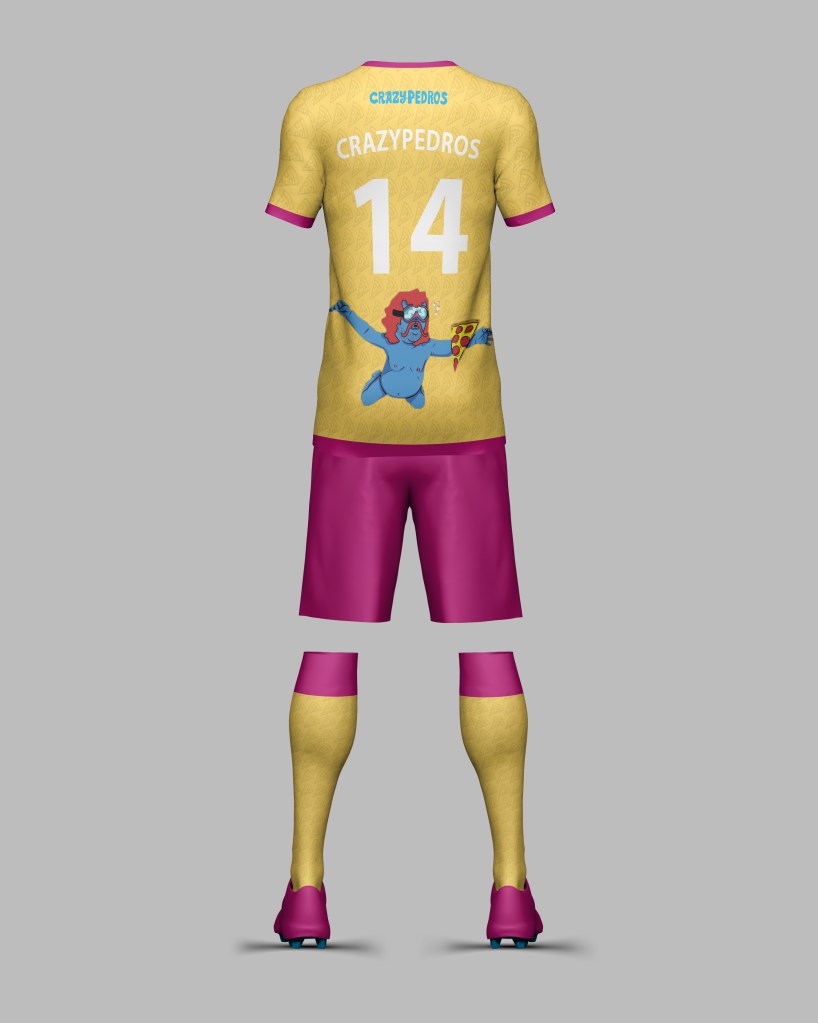
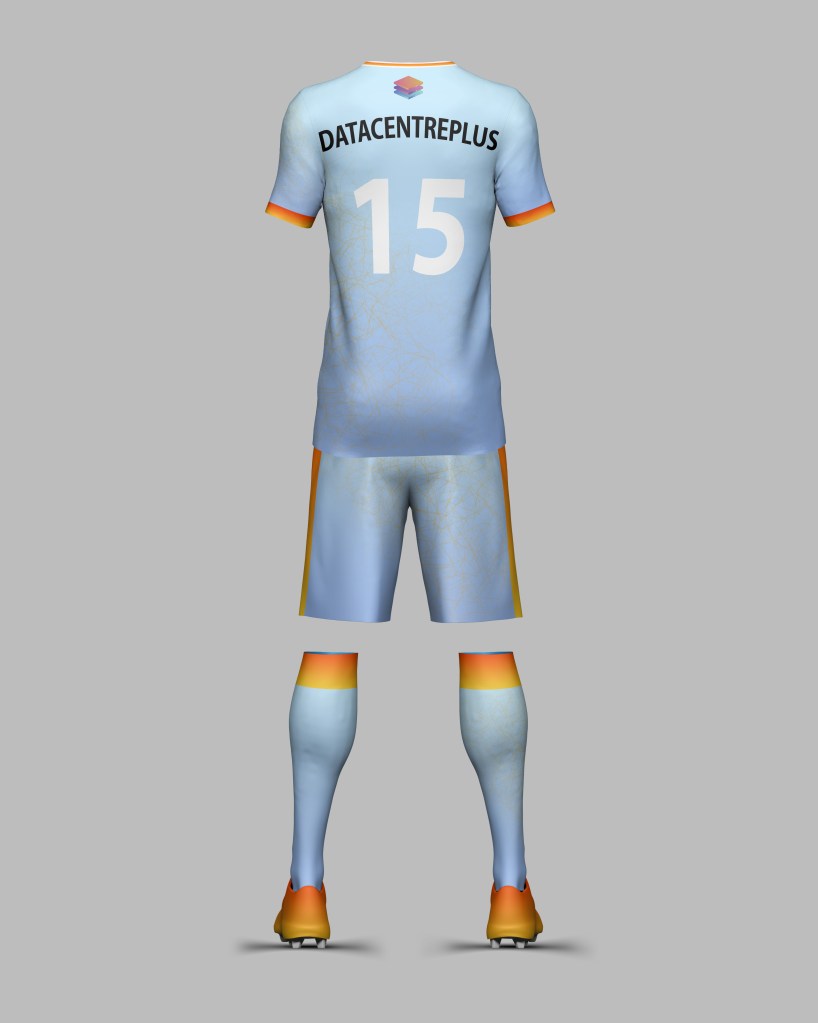
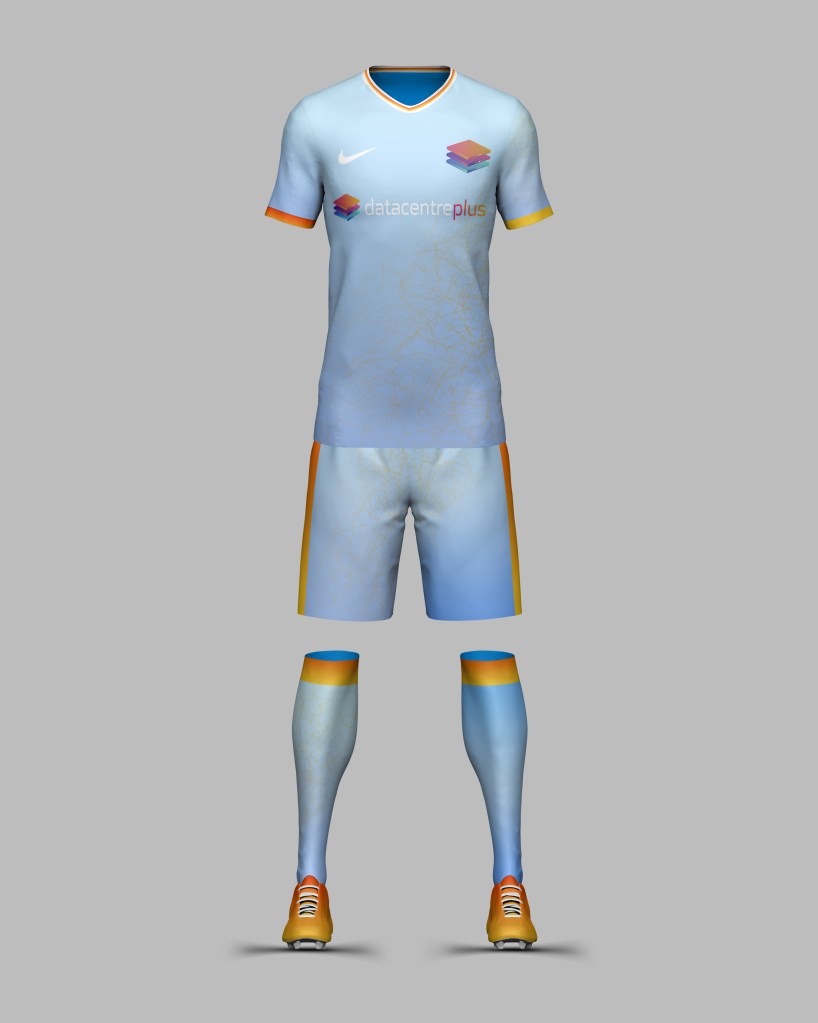
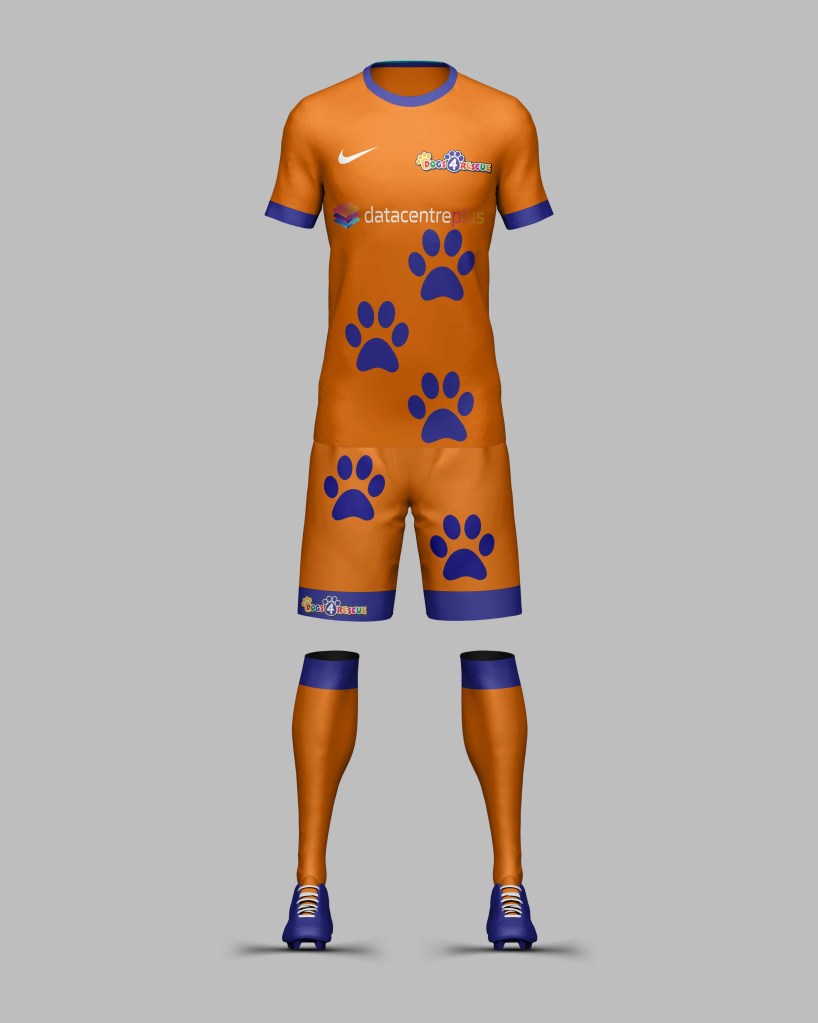
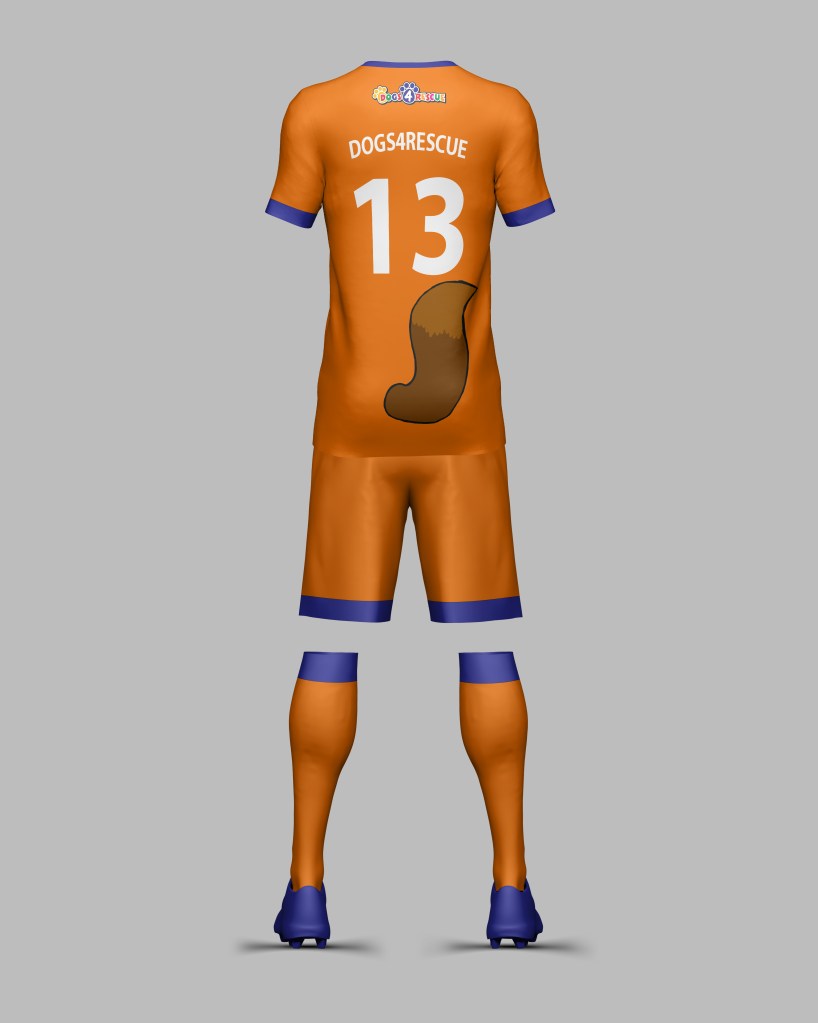
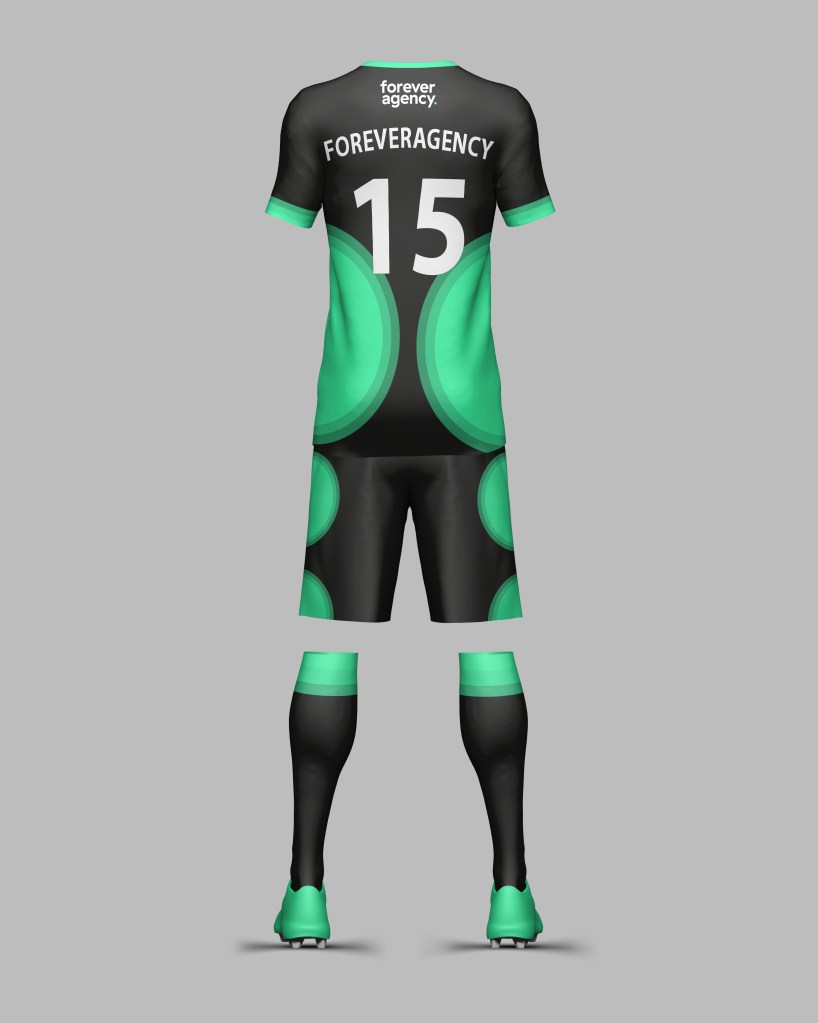
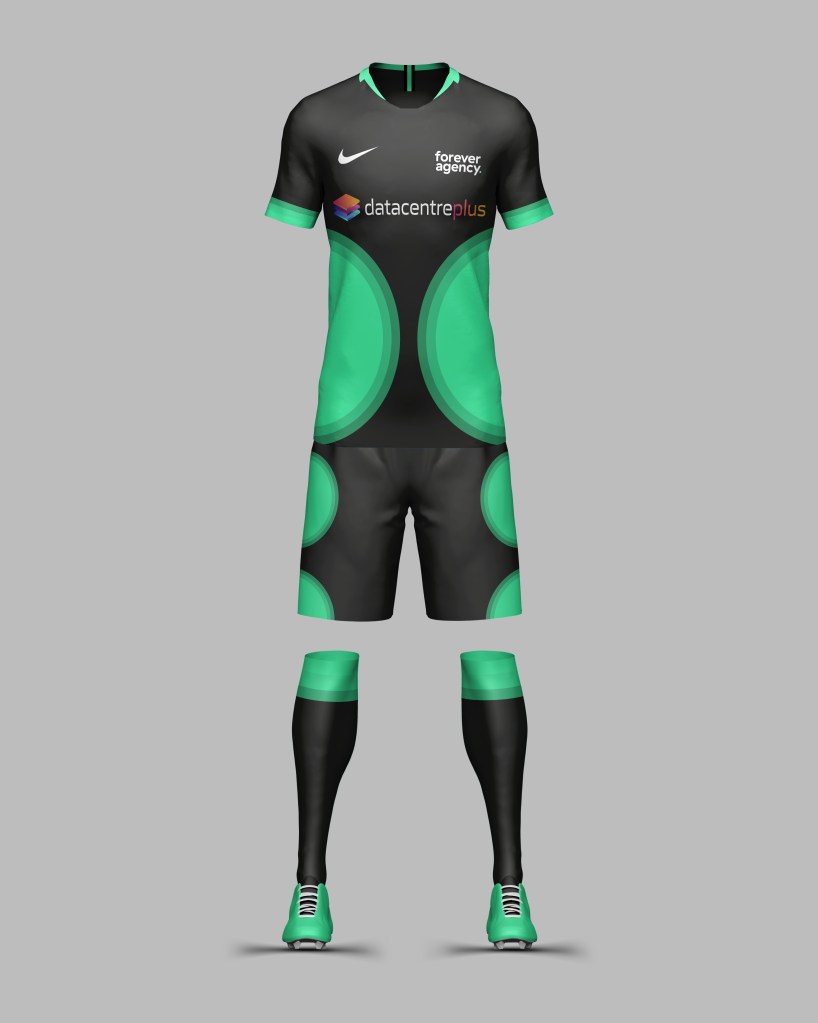
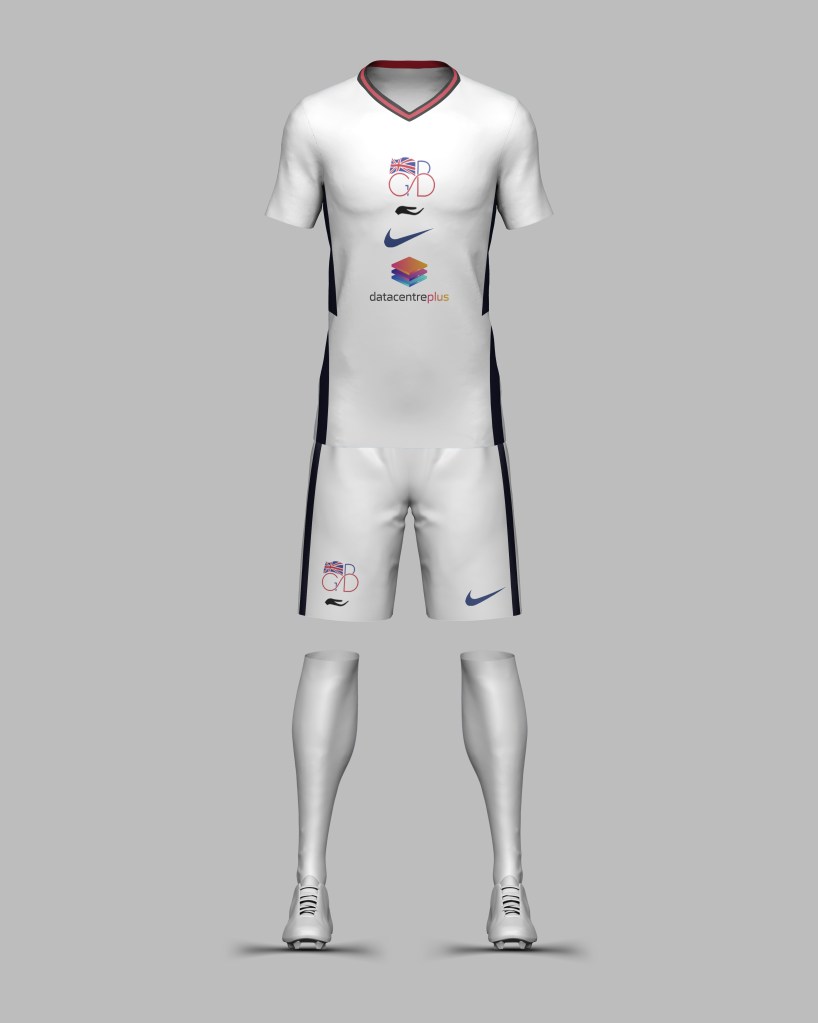
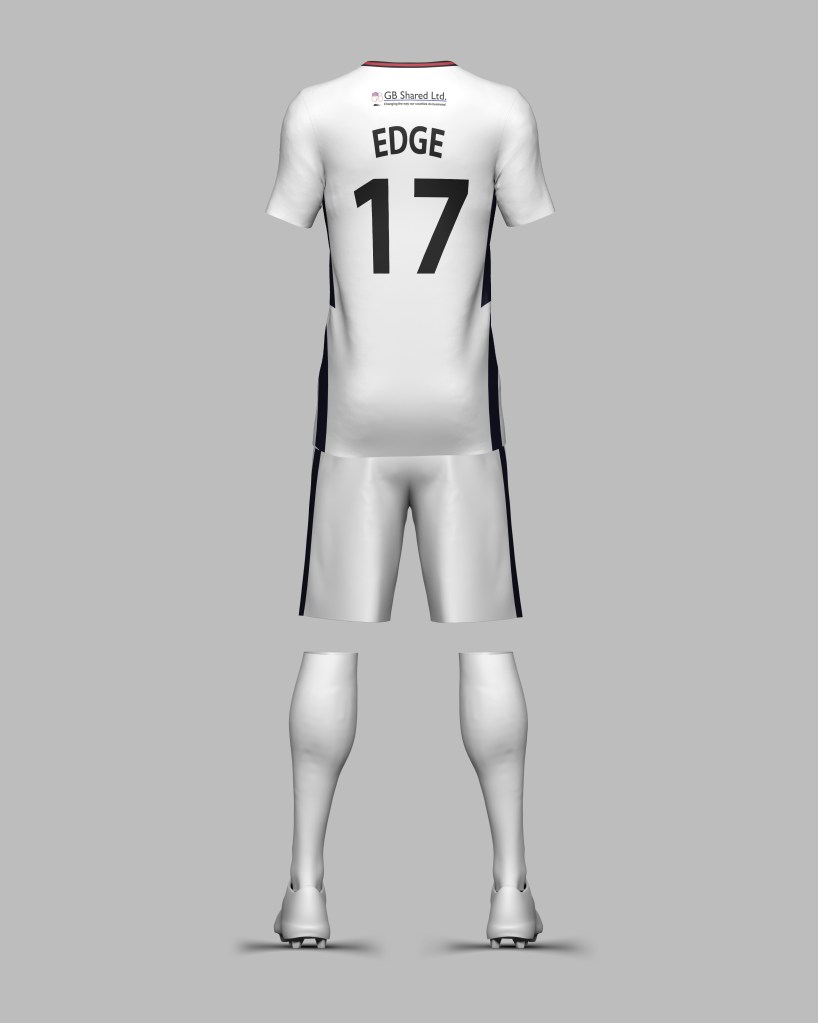
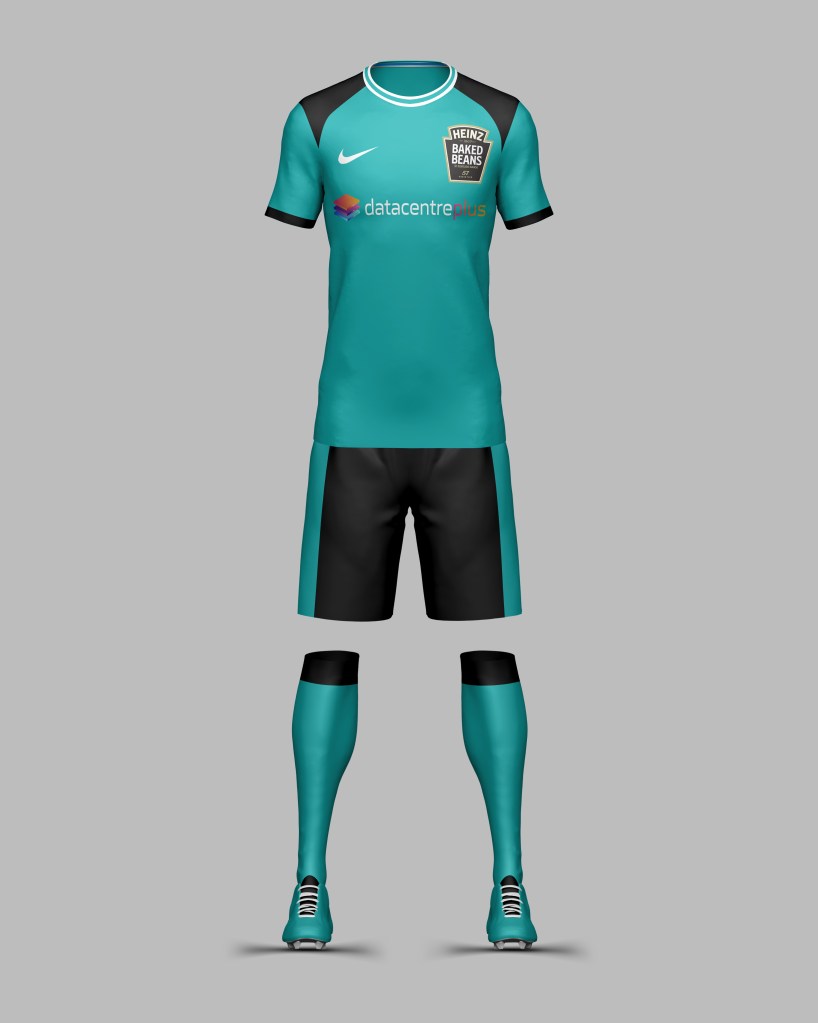
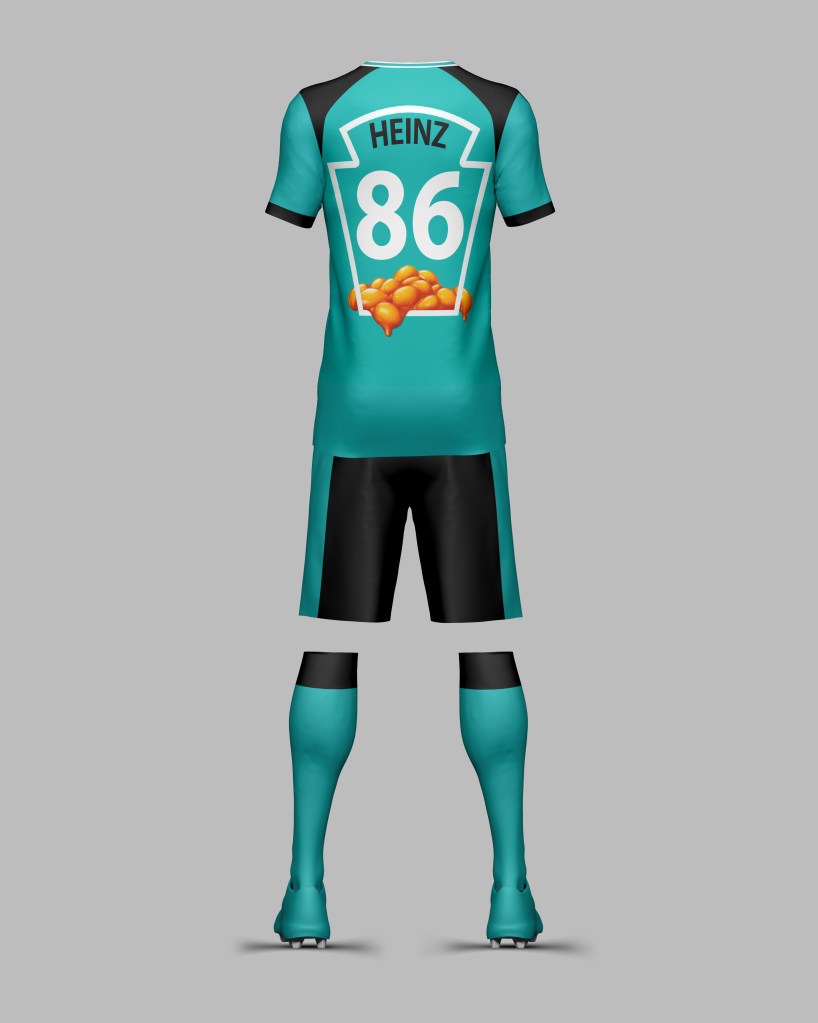
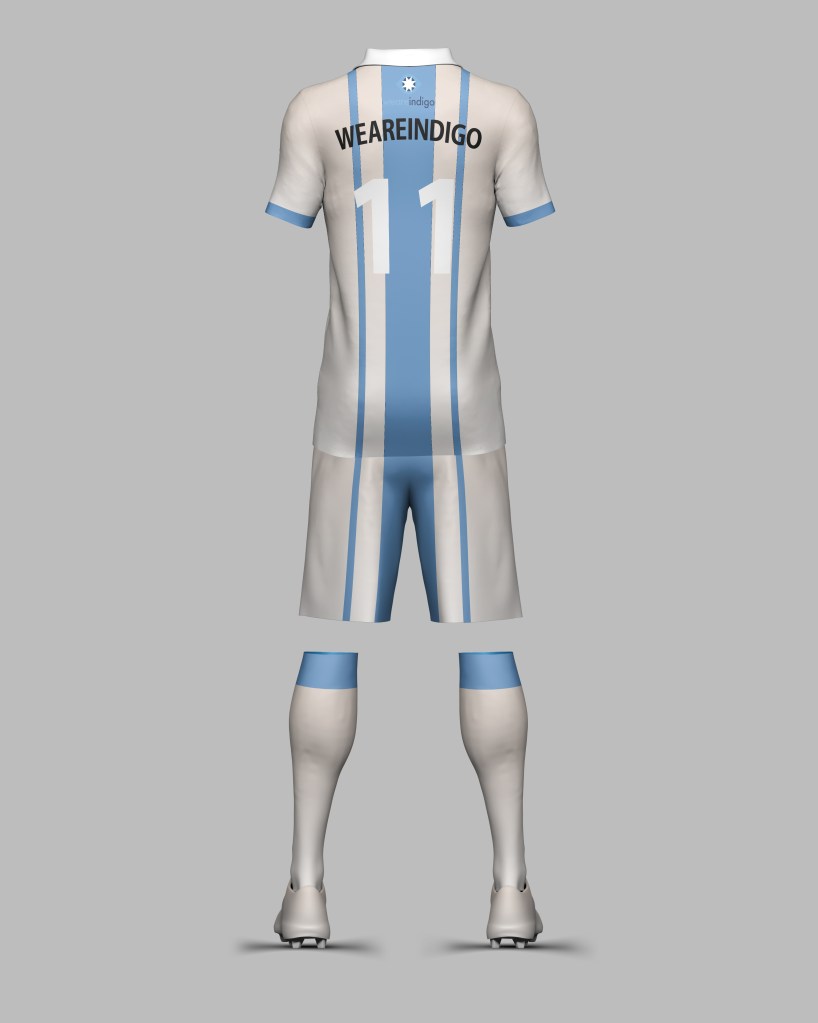
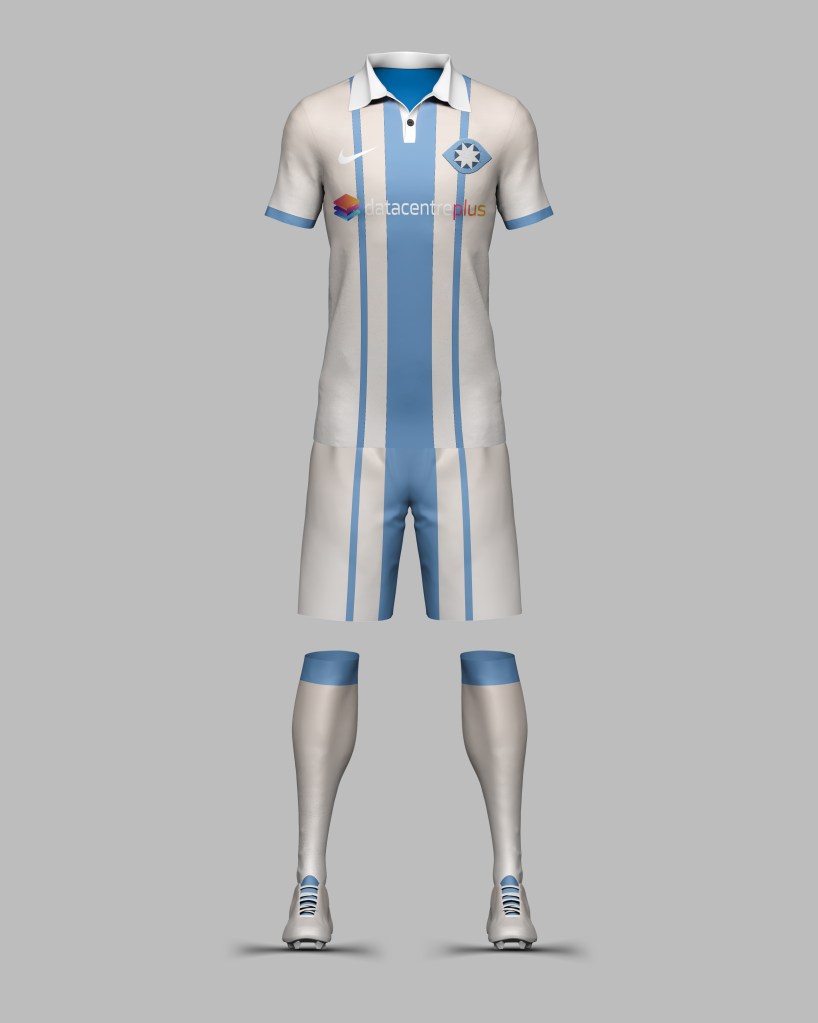
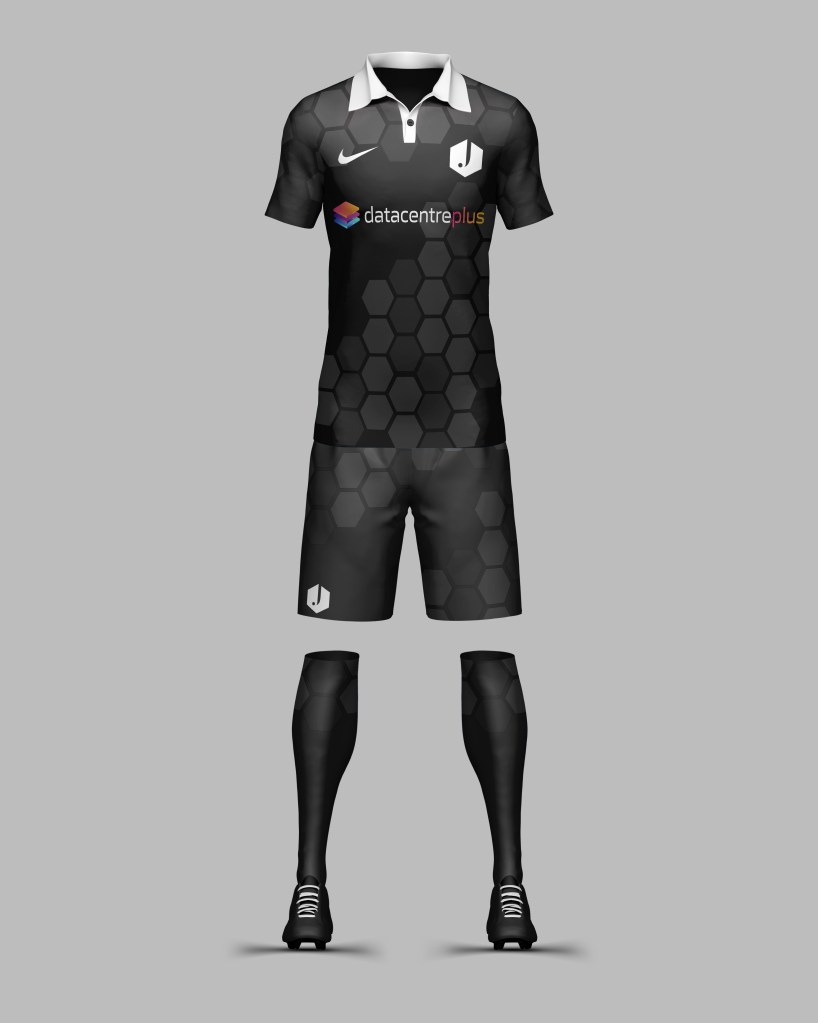
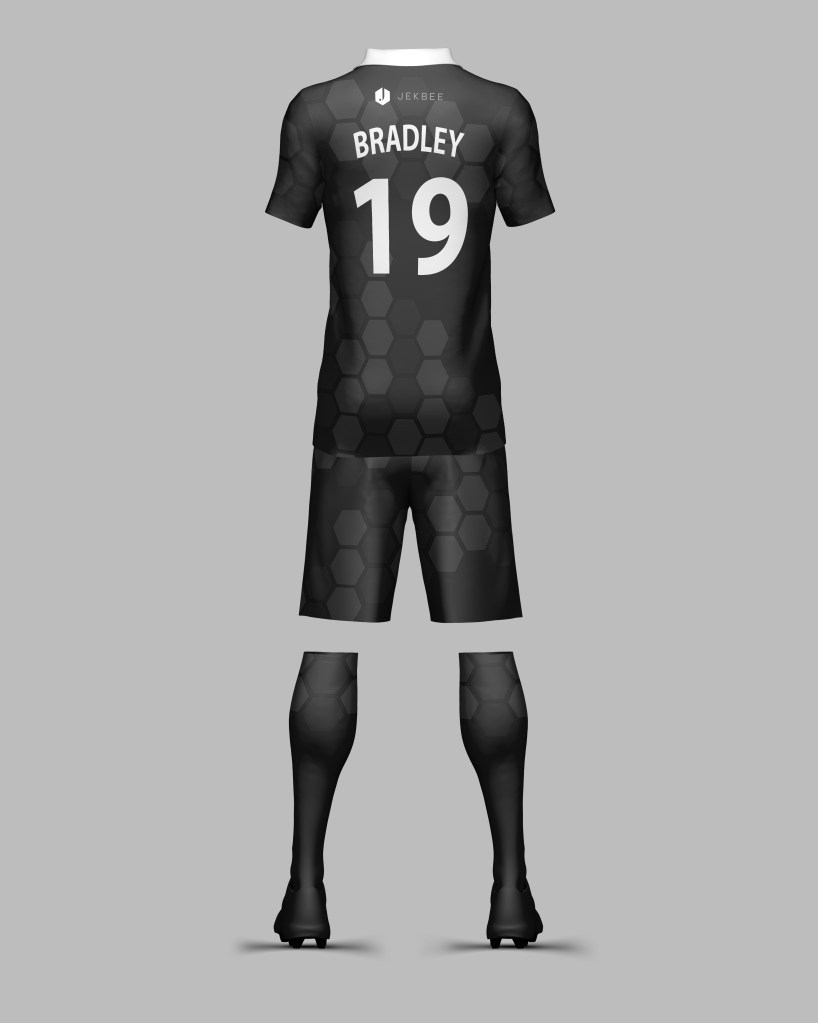
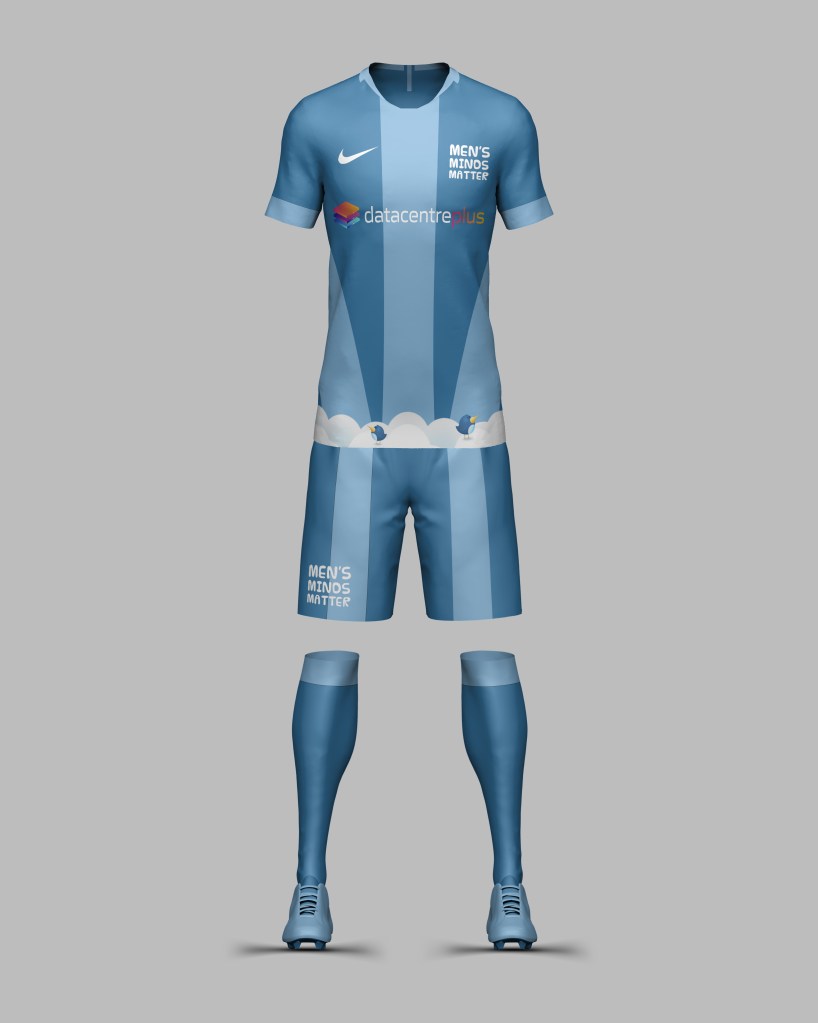
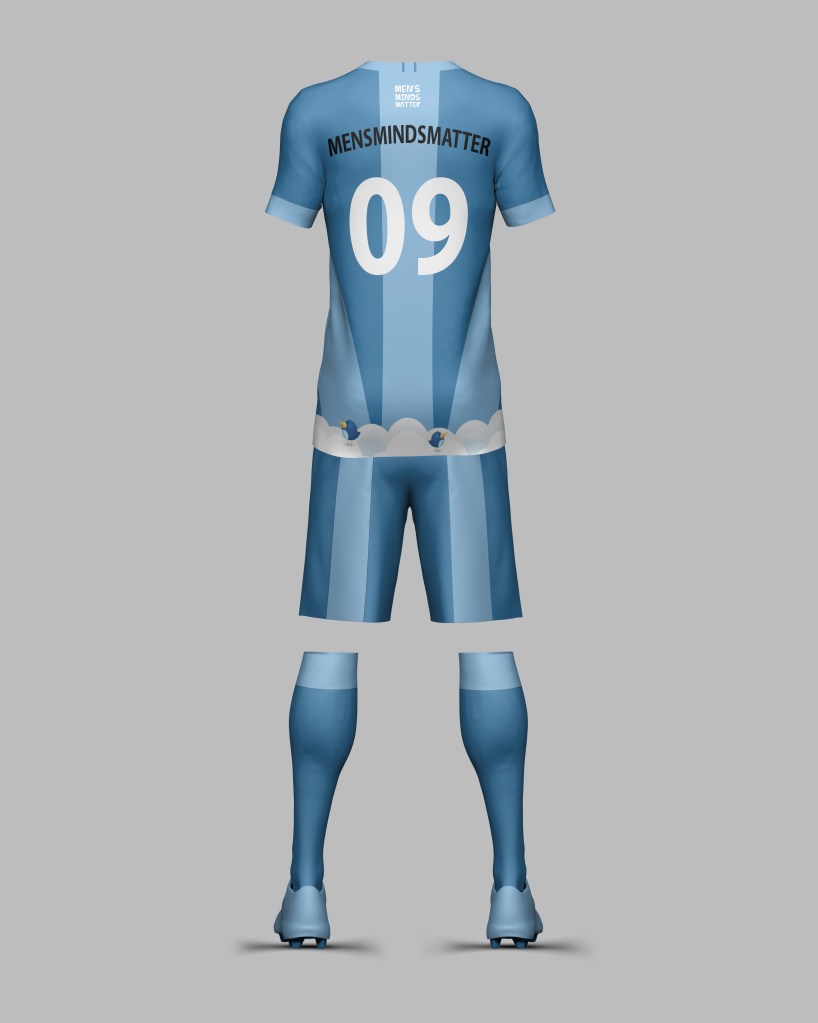
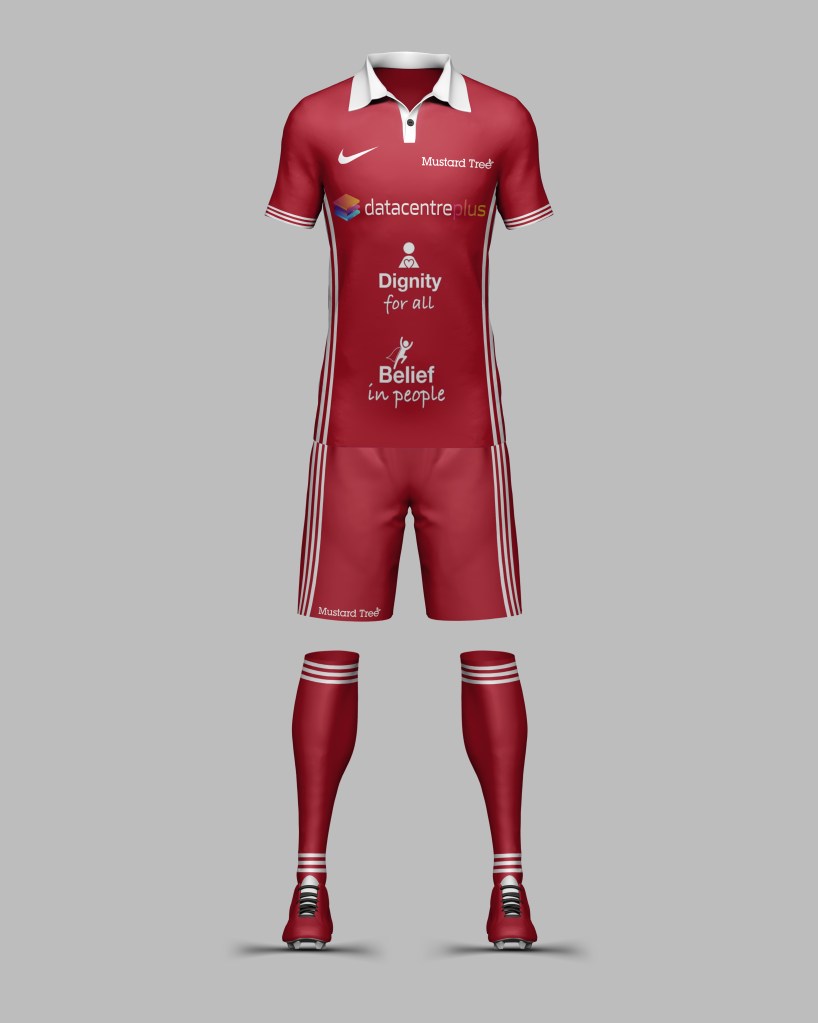
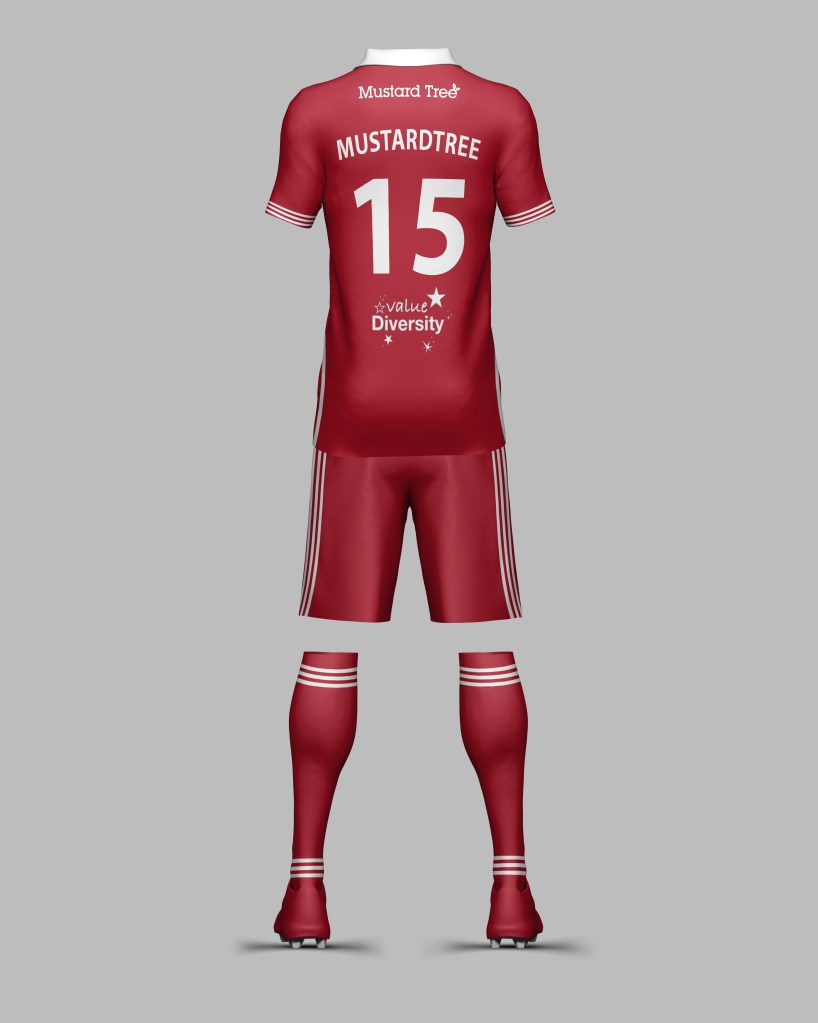
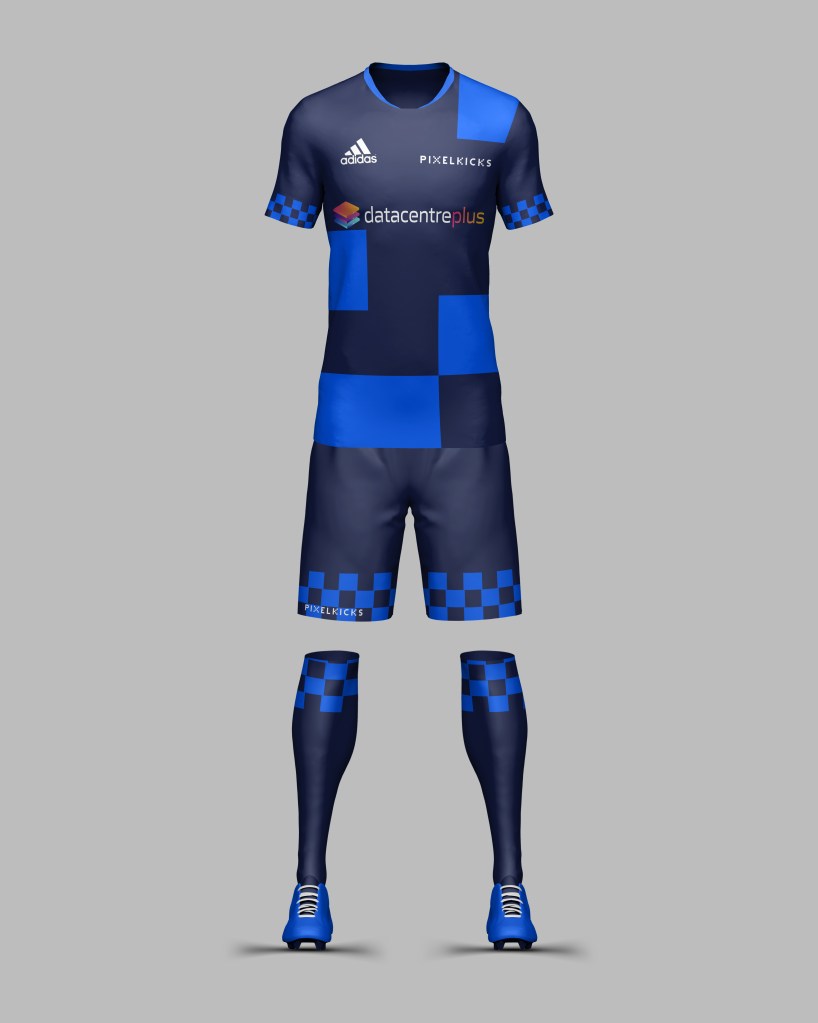
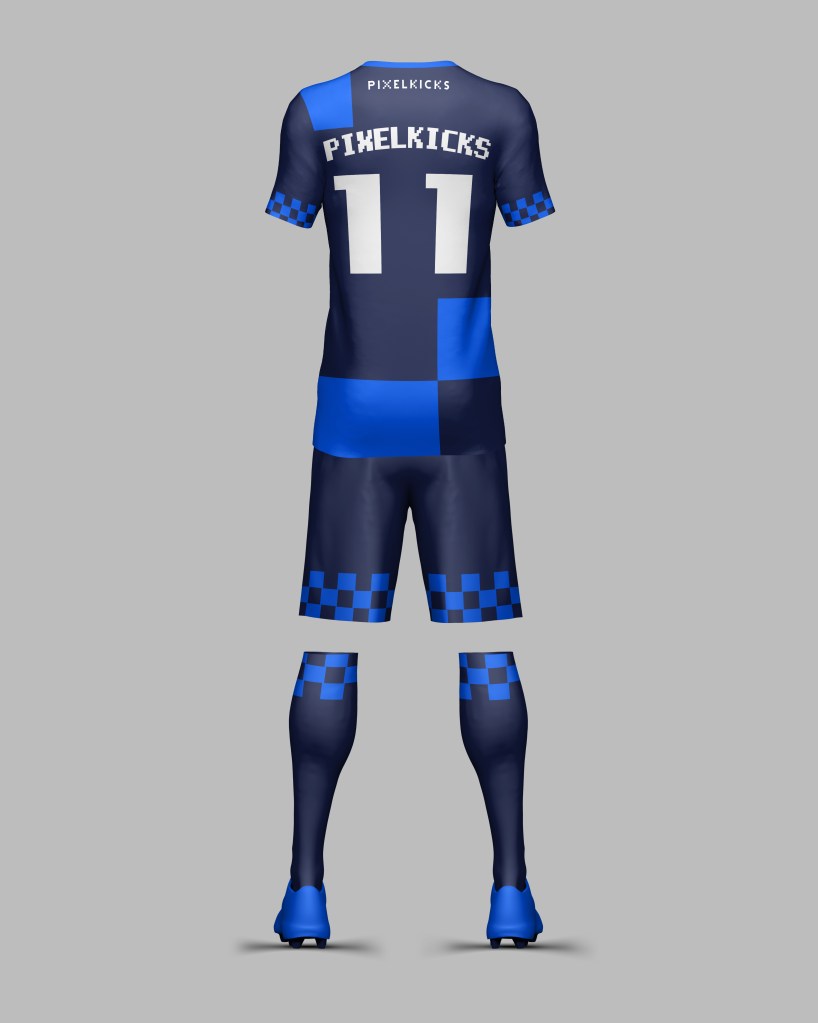
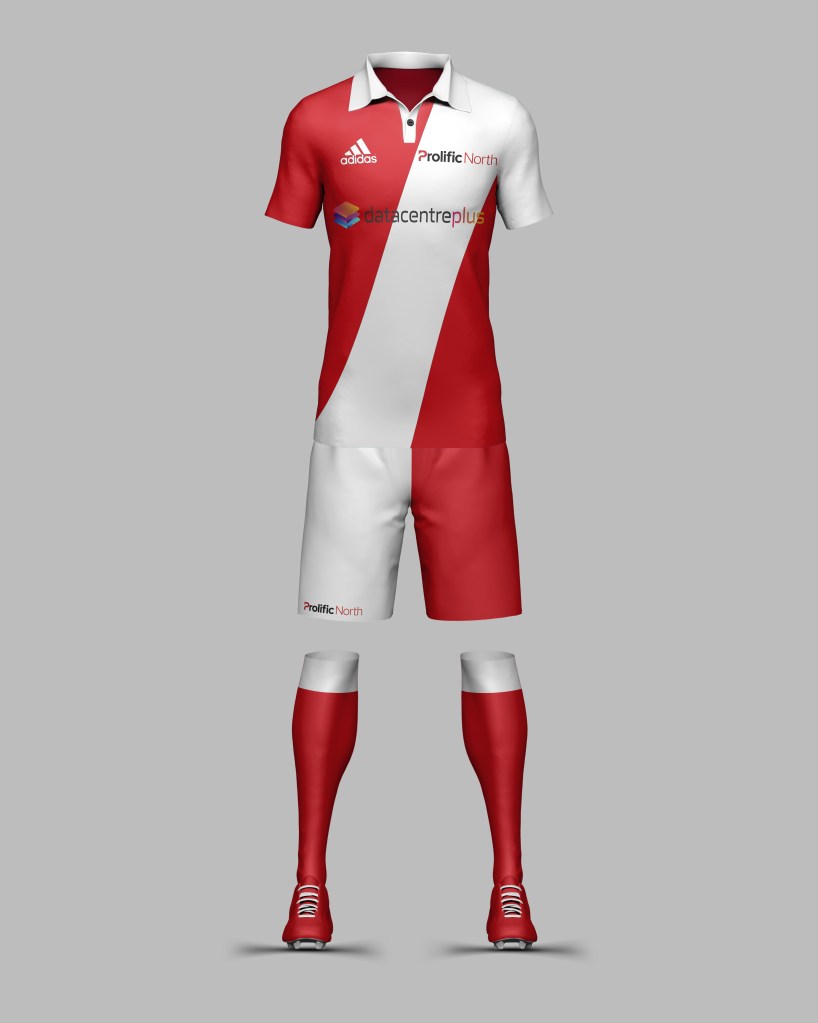
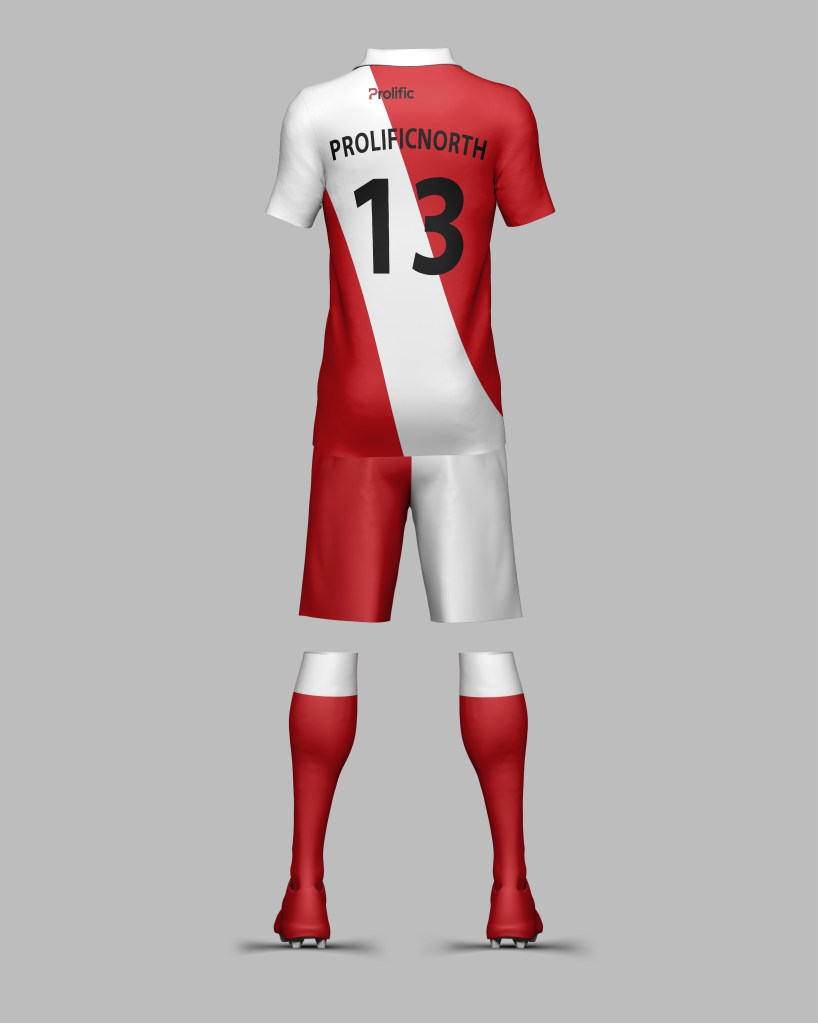
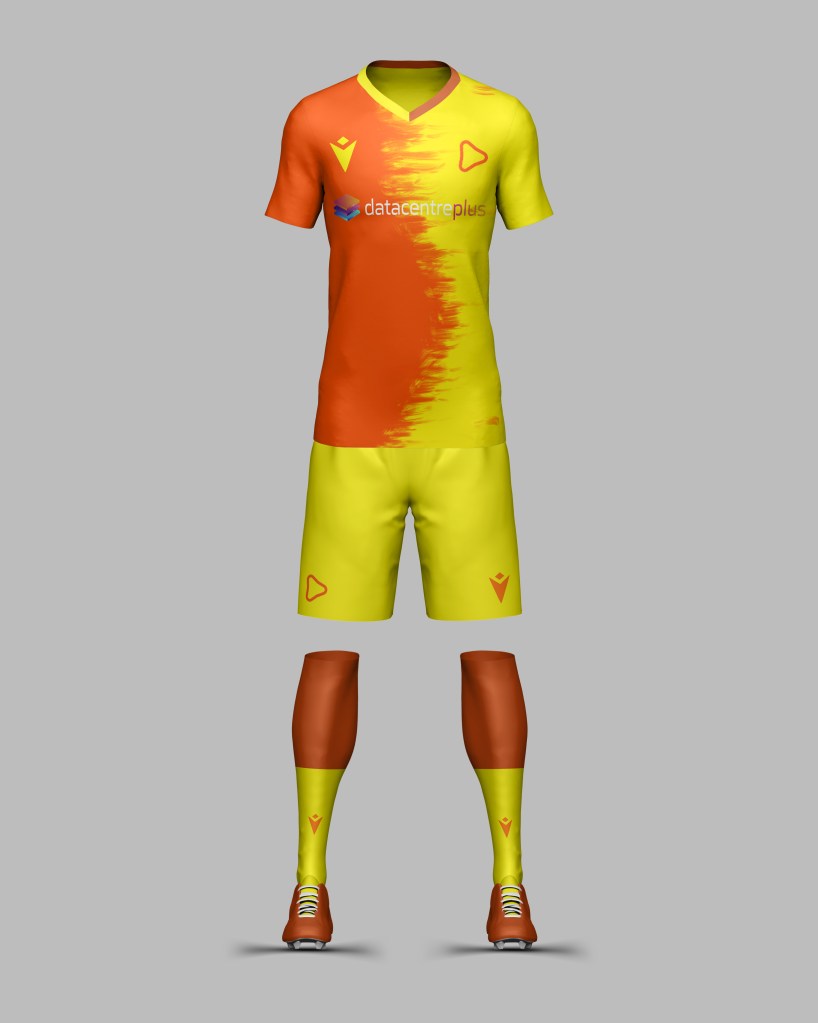
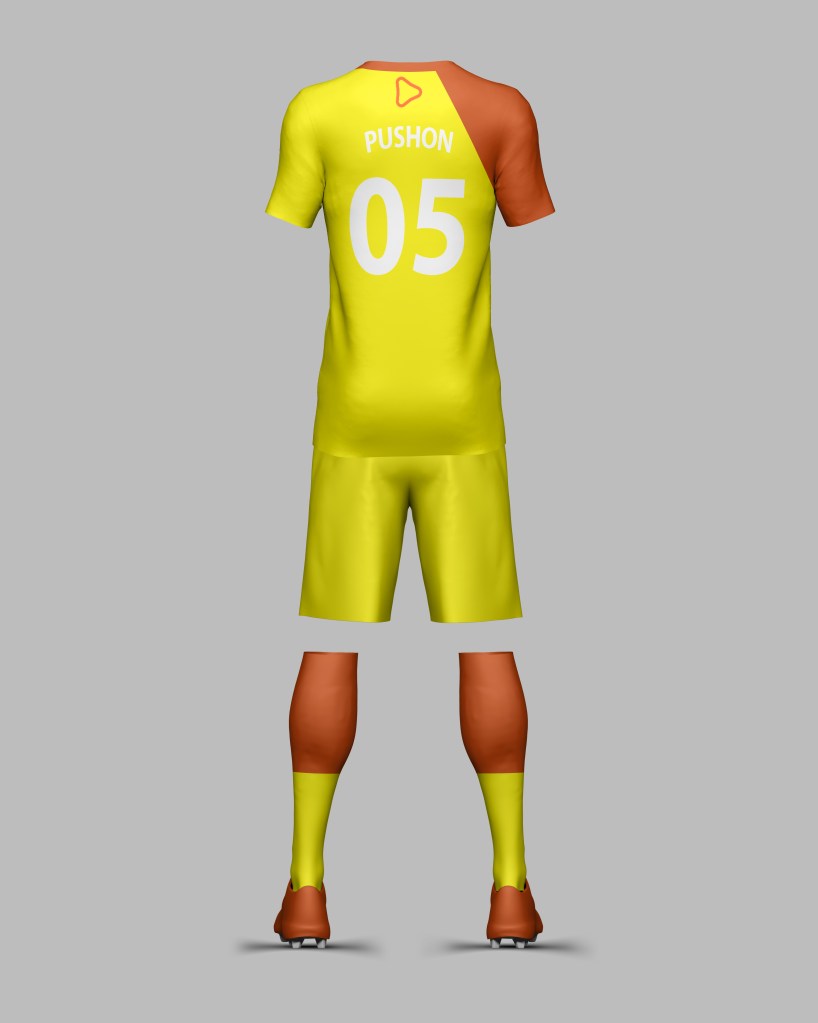
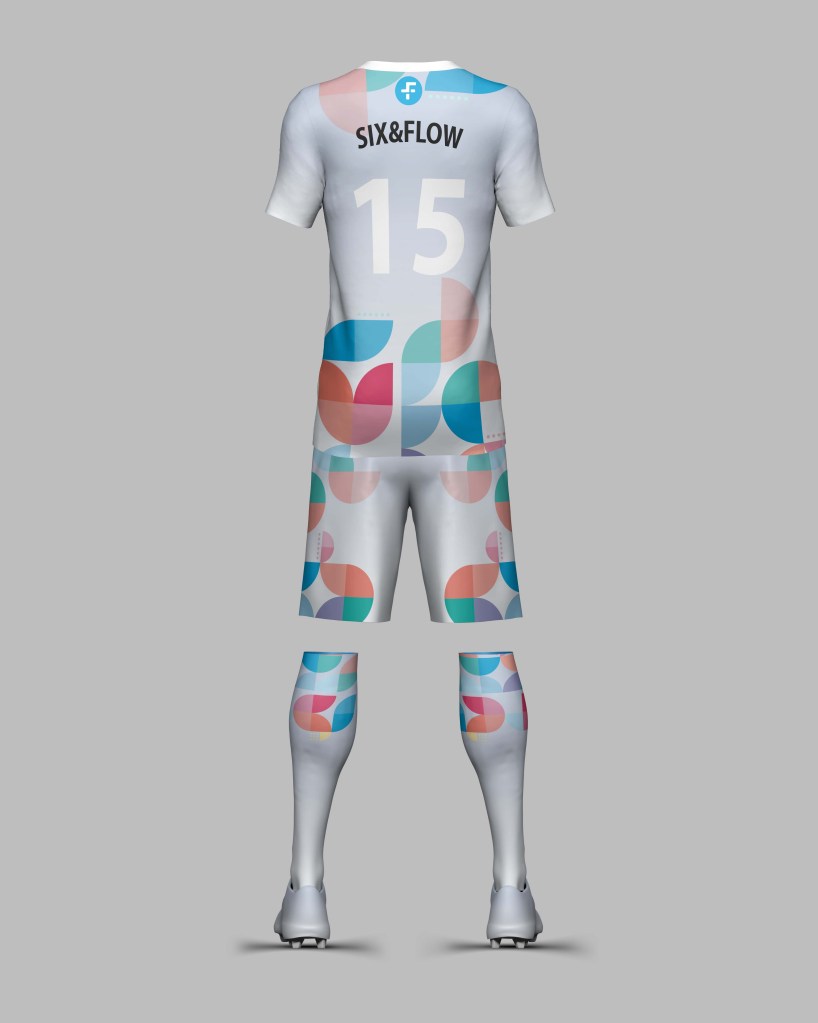
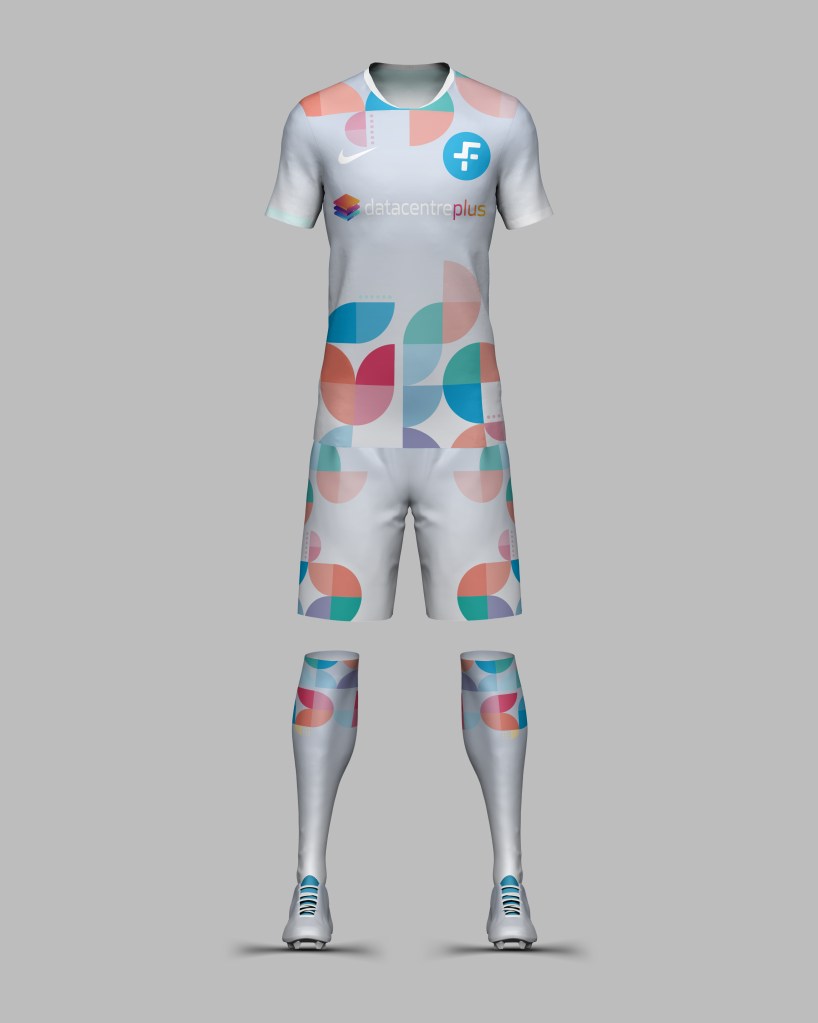
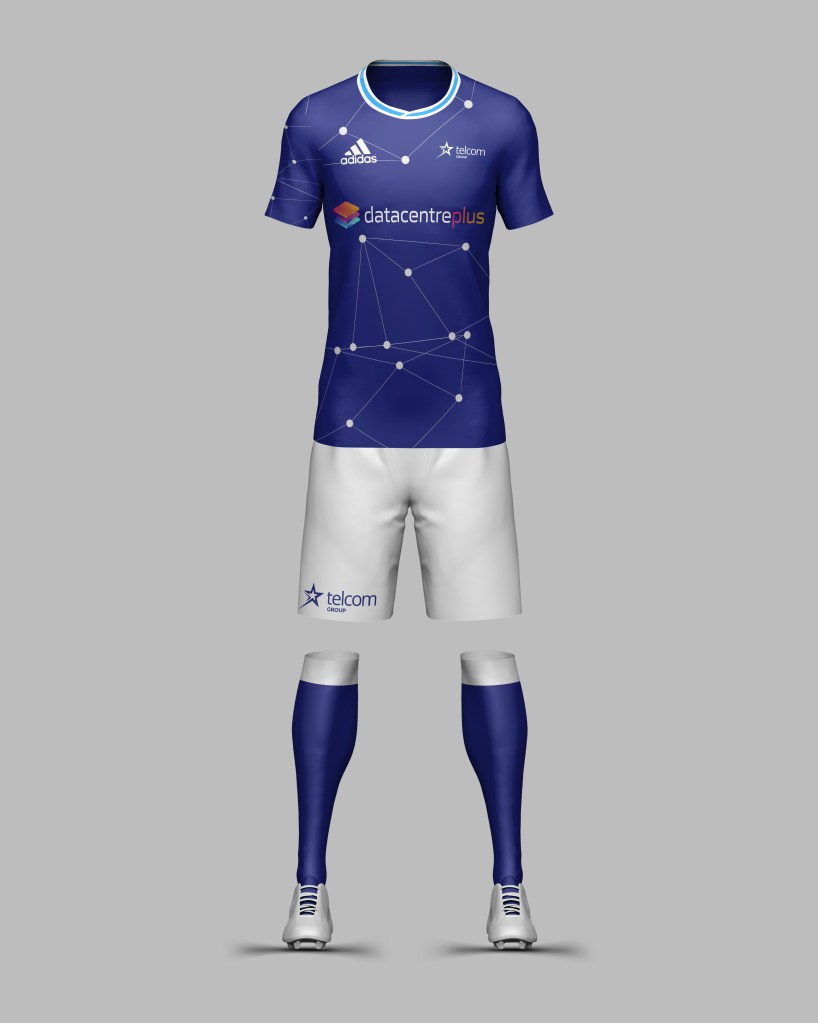
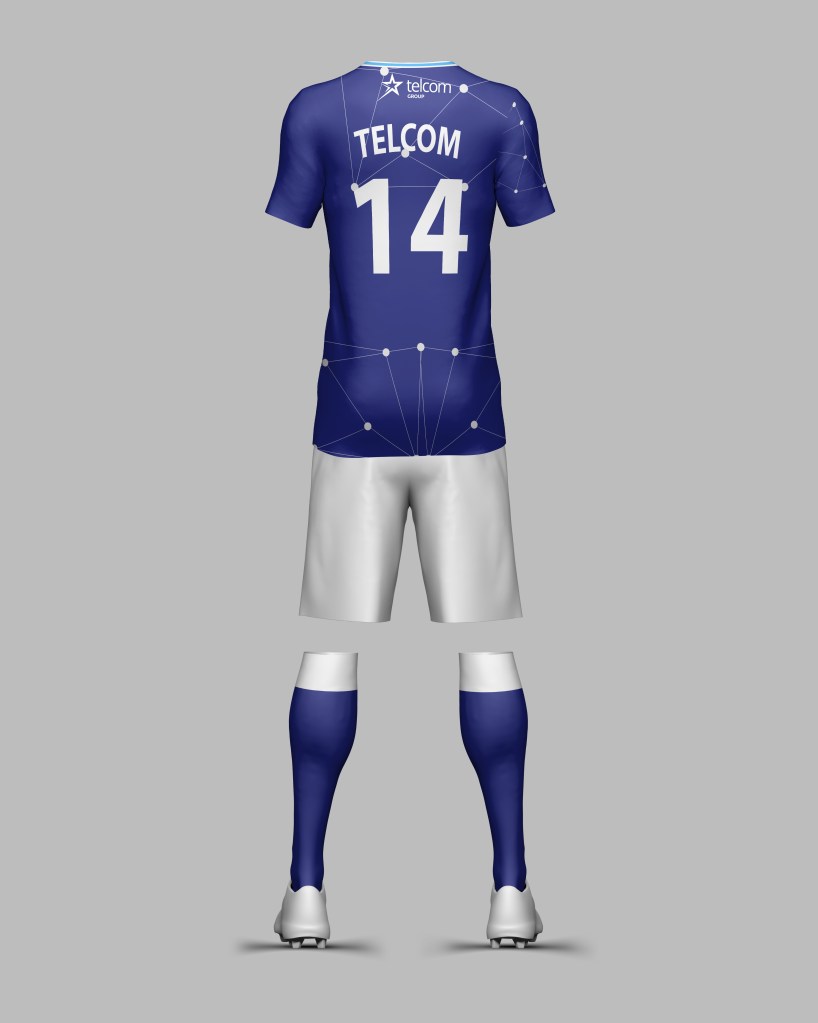
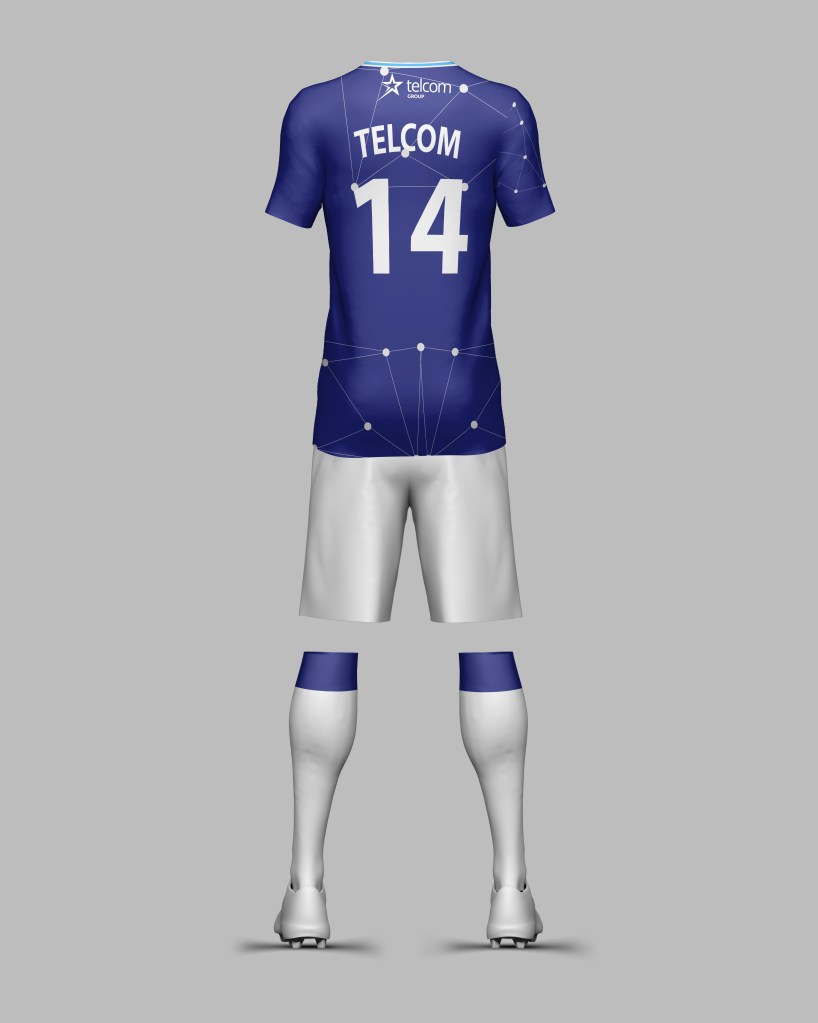
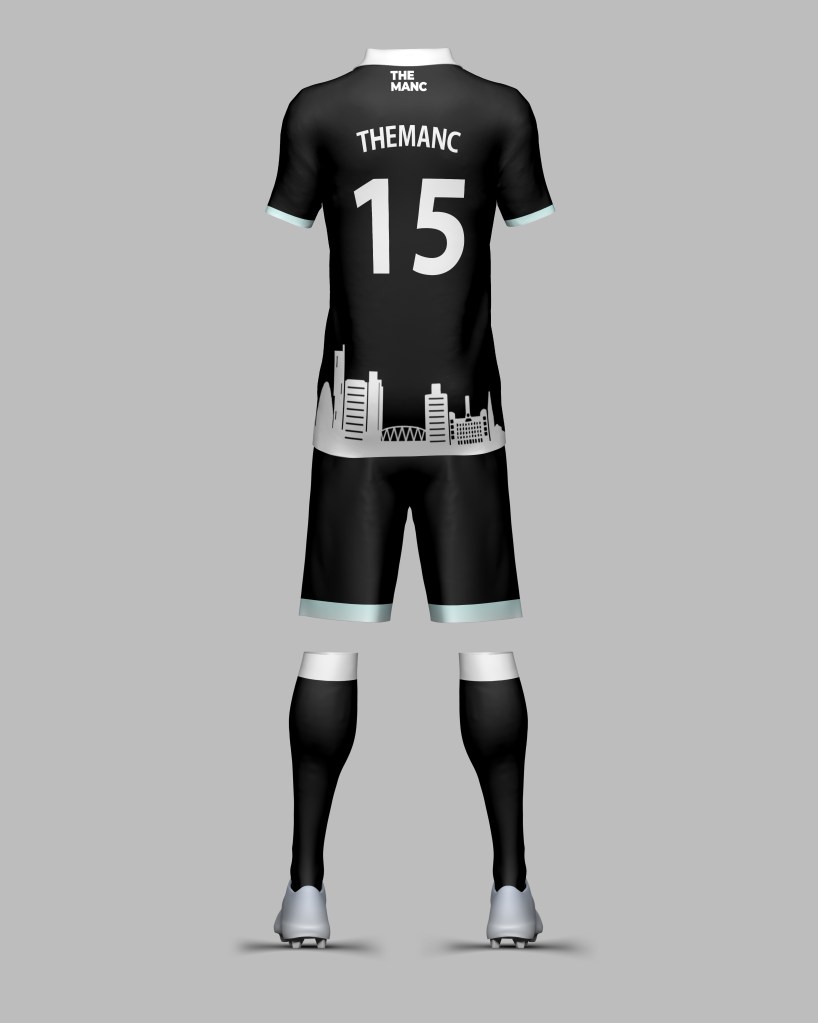
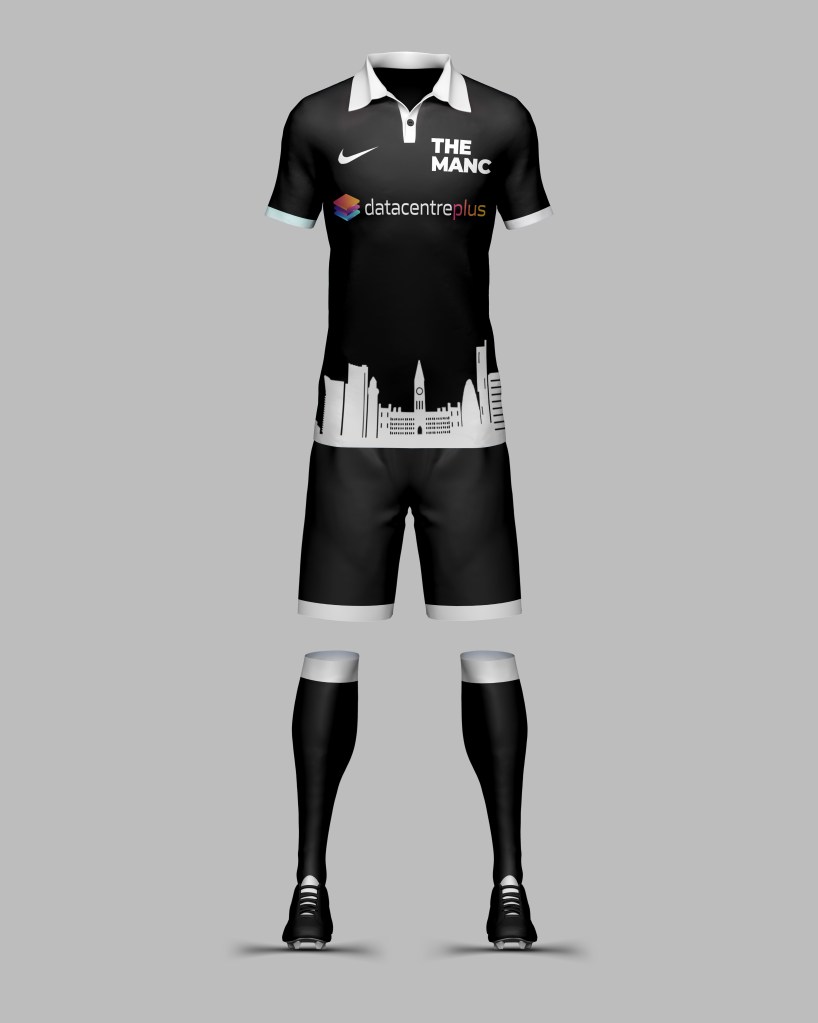
Another campaign I created at Datacentreplus was the football kit campaign.
The brief for this was to create a campaign that encouraged engagement on social media and reached out to current or potential customers.
Once I had selected a company I would head to their site/socials and look for any branding etc. I would use this for inspiration for their kit.
Alongside this we ran a competition that the kit with the most likes/engagement would have the kit made and sent to them.
I used a mixture of Adobe Illustrator and Procreate to create the graphics for the kits. I then exported these to Adobe Photoshop where I had a 3D render of a football kit where I was able to input the graphics and logos.
A challenge I overcame during this campaign was the rendering of the kit. I was having issues finding a good template to place the designs on but after some research was able to find one.
Young Enterprise Project
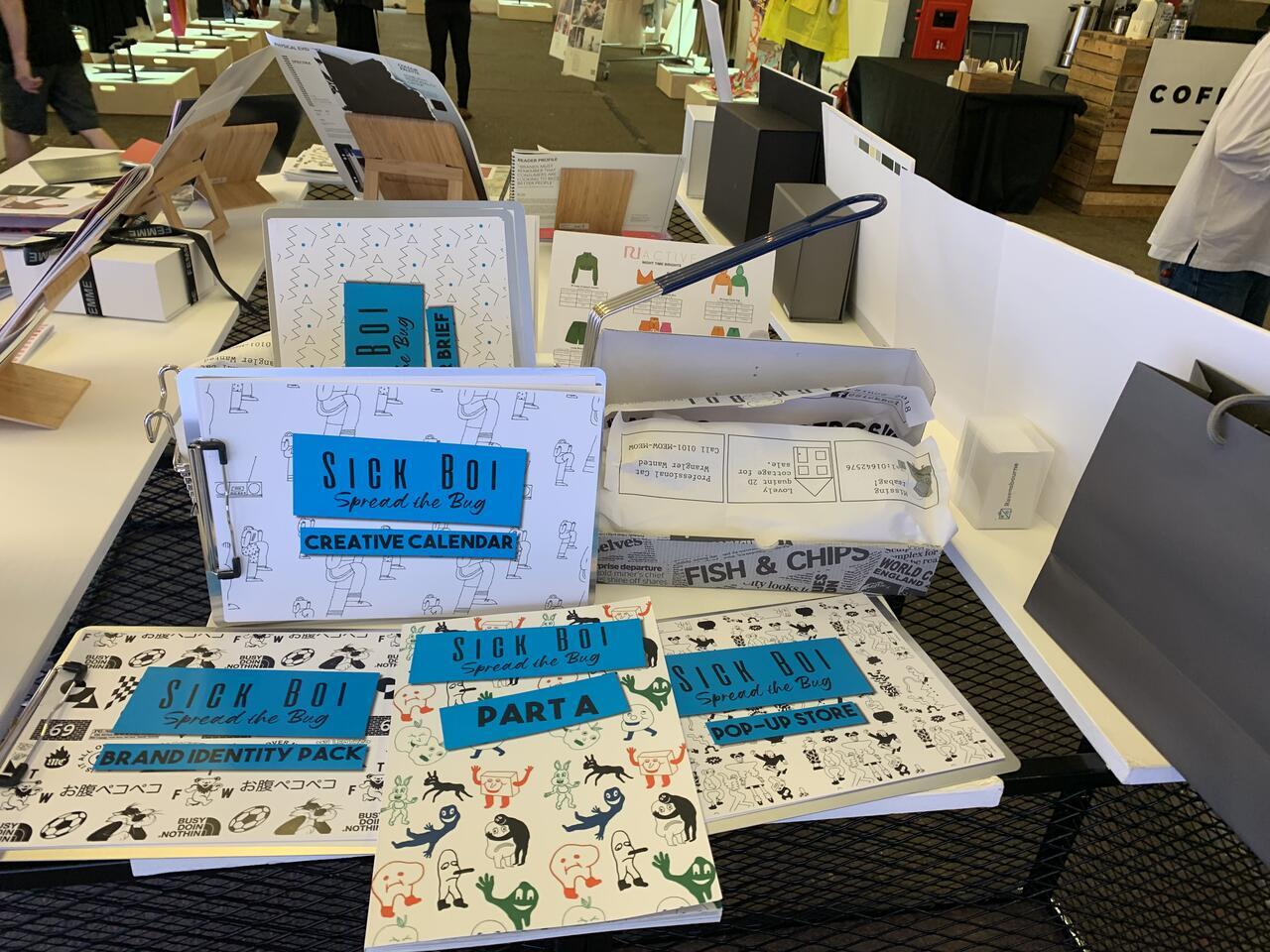
I decided to enter into the young enterprise competition, for this I was tasked with creating a brand to fill a current gap in the market. This involved conducting all the market/competitor research, creating branding and marketing/social strategy, product production, and finally an event stall.
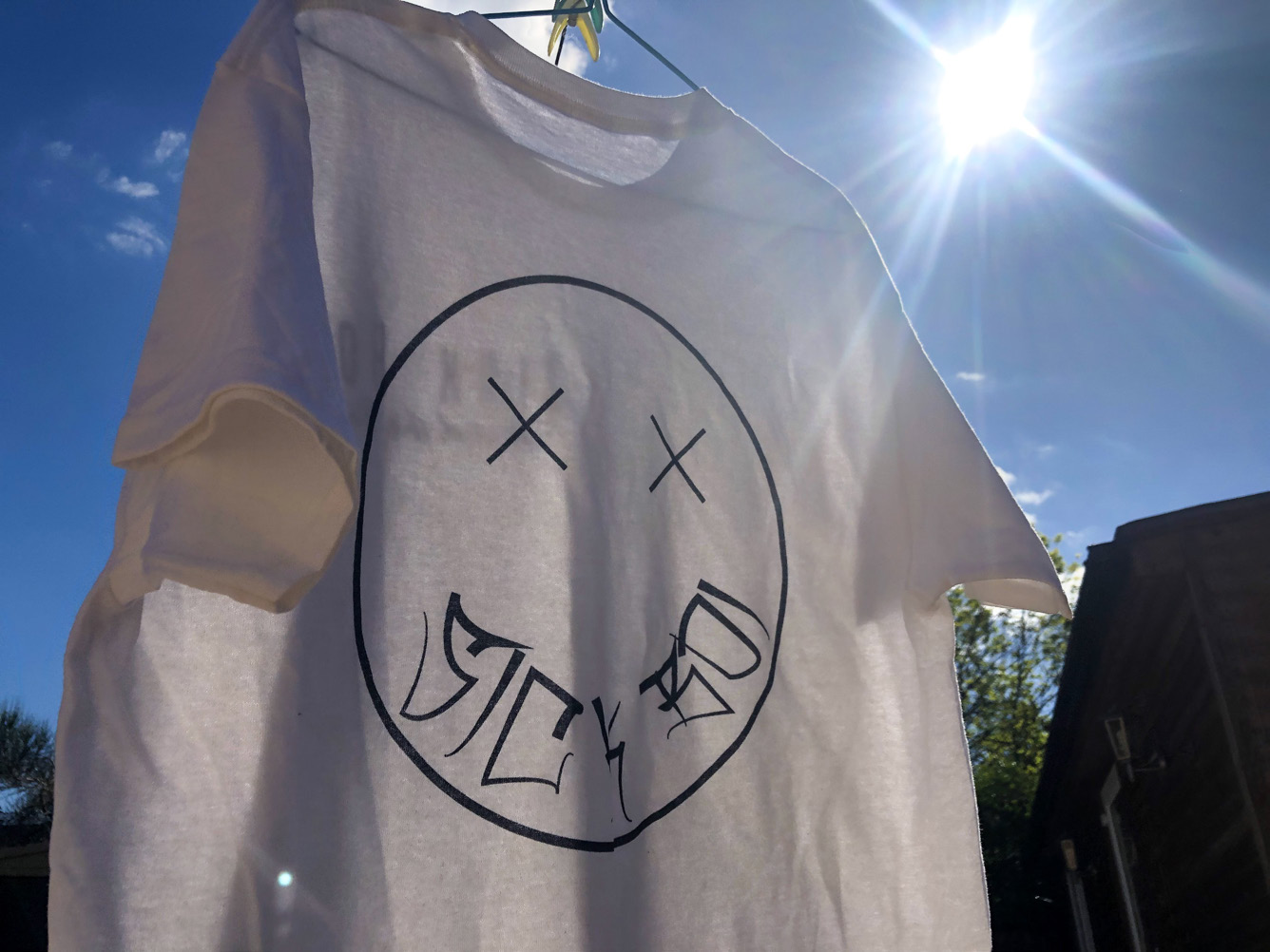
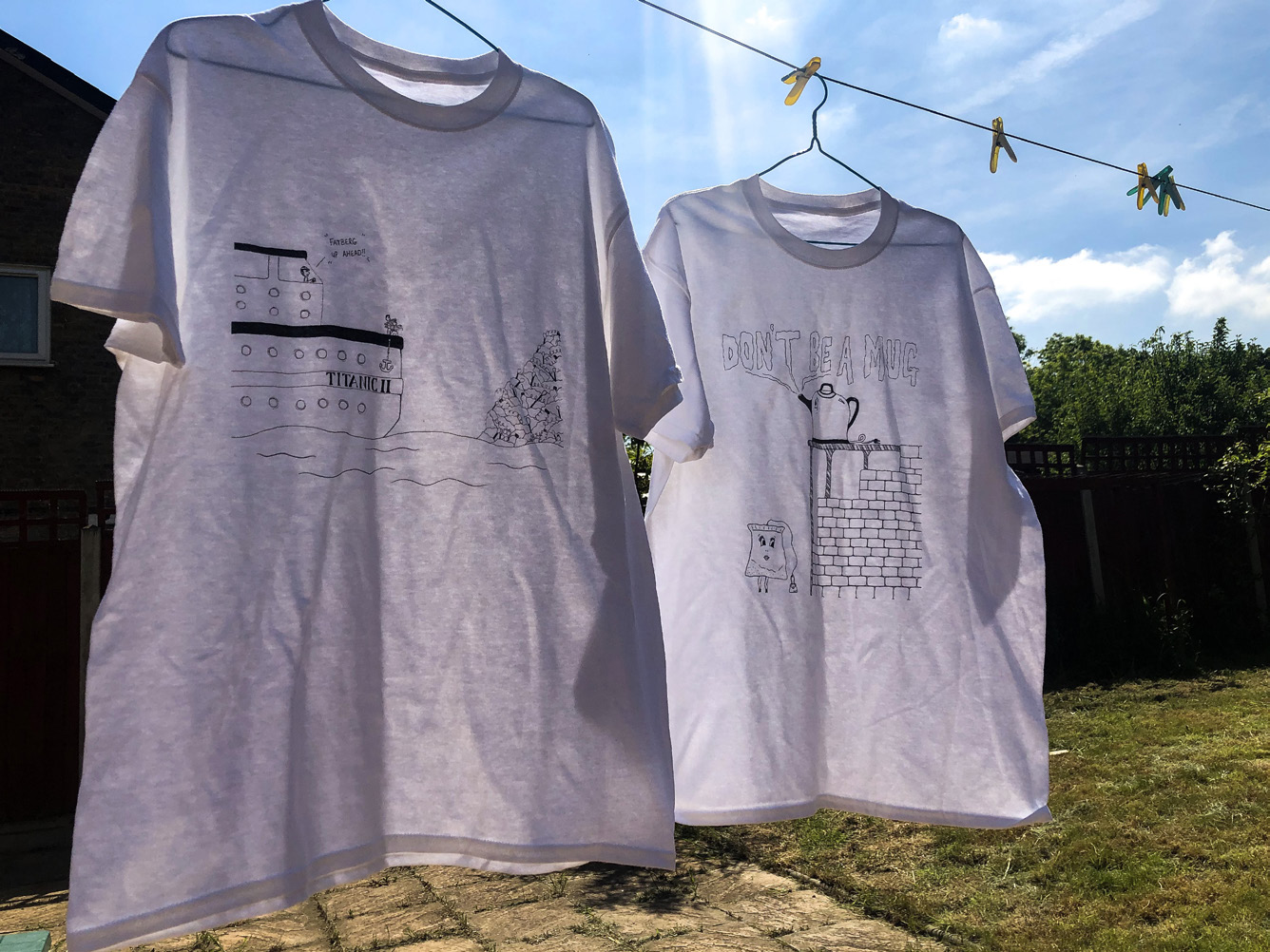
For this project, I created a graphic t-shirt brand called “Sick Boi” aimed at spreading positive and political messages through the medium of the graphics.
For the project I was tasked with pitching the brand to a board, creating a pop-up store concept and creating the physical packaging/branding which is evidenced on the right.
A challenge I overcame during this was creating the 3D render of the pop-up store. I hadn’t made a 3d render before so taught myself how to use a software called Sketchup. After watching tutorials and practising I was able create a 3d model of a pop up store concept.
Other graphics I have created
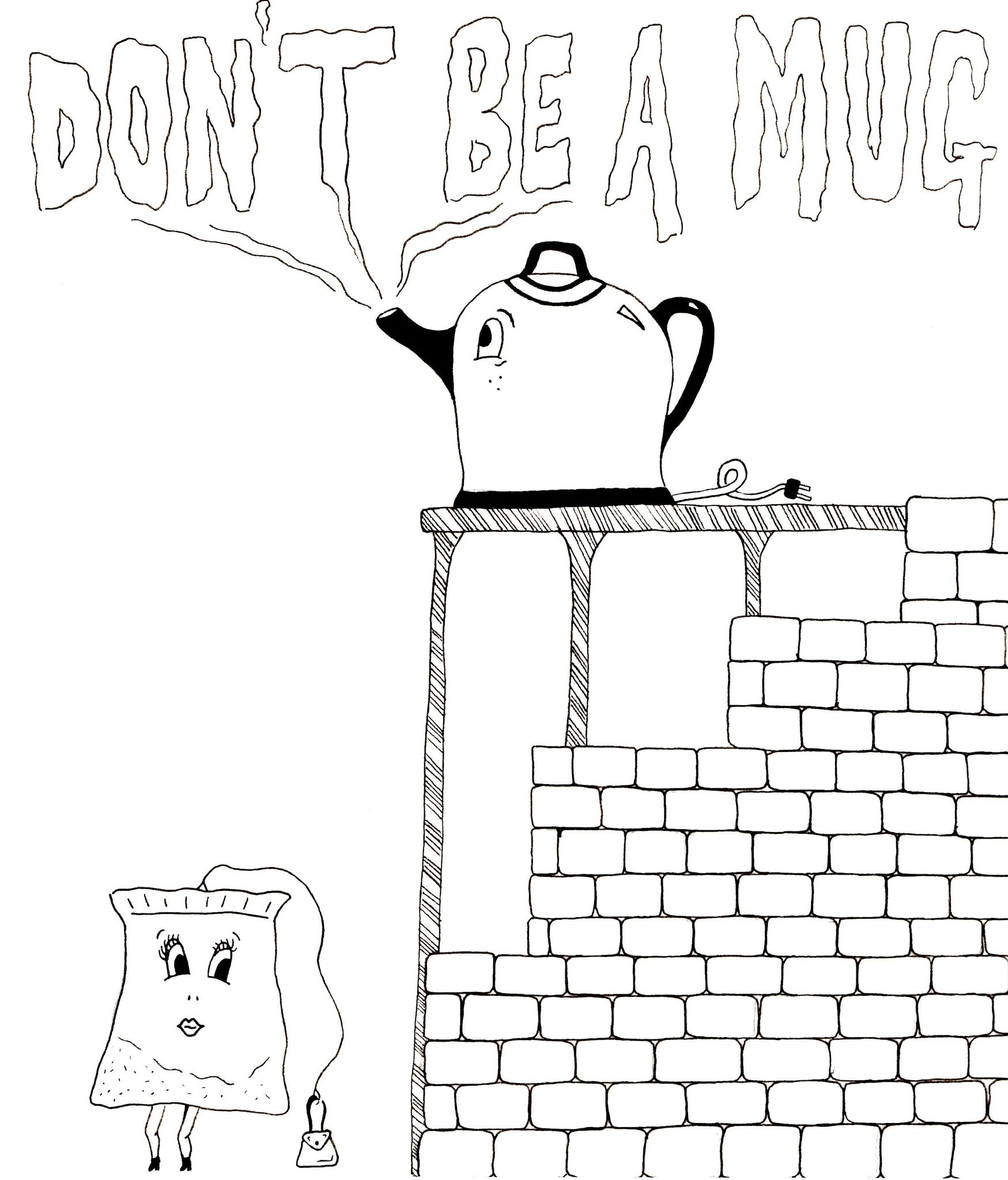
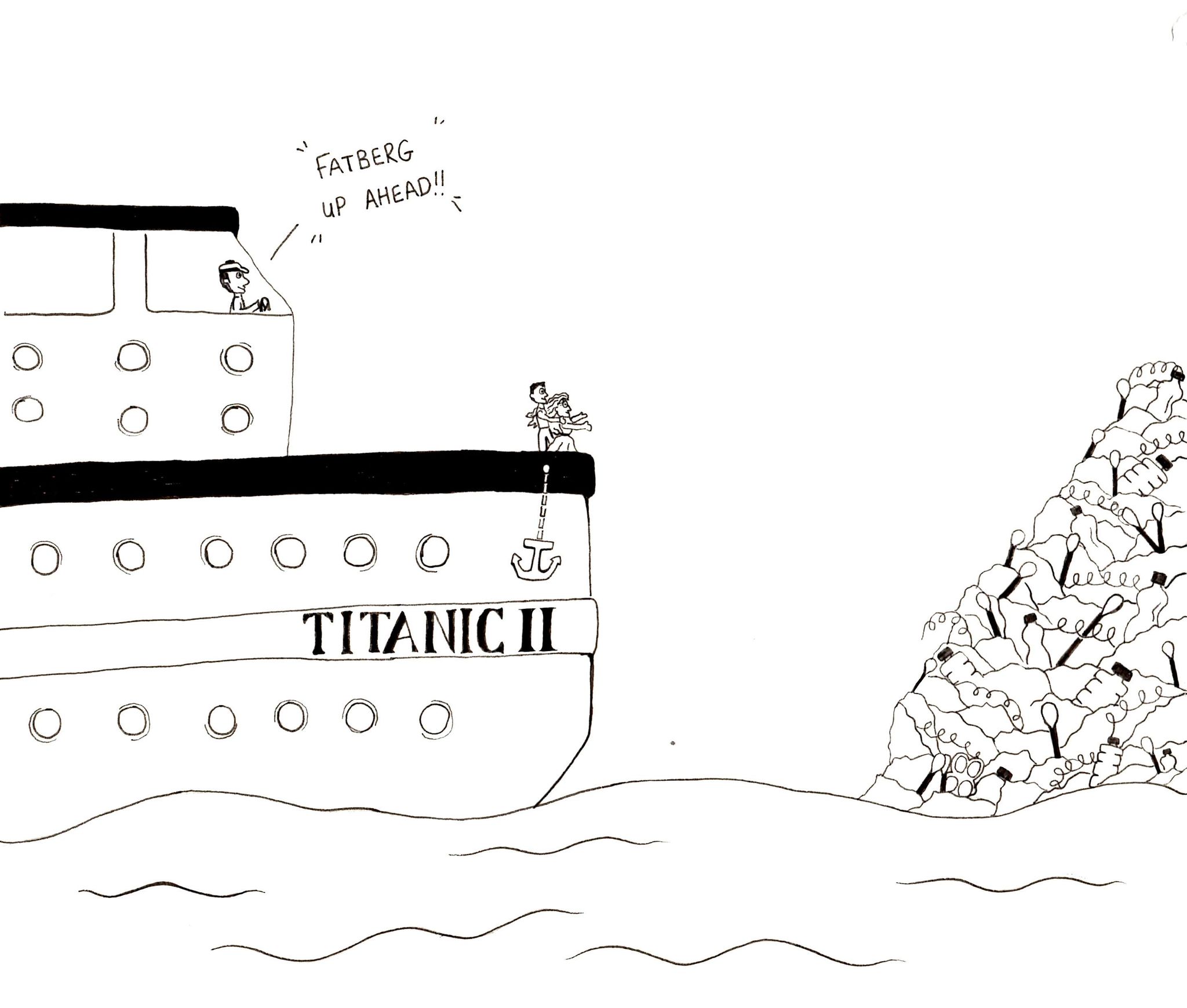
Here is a collection of other graphics I have created during my career.
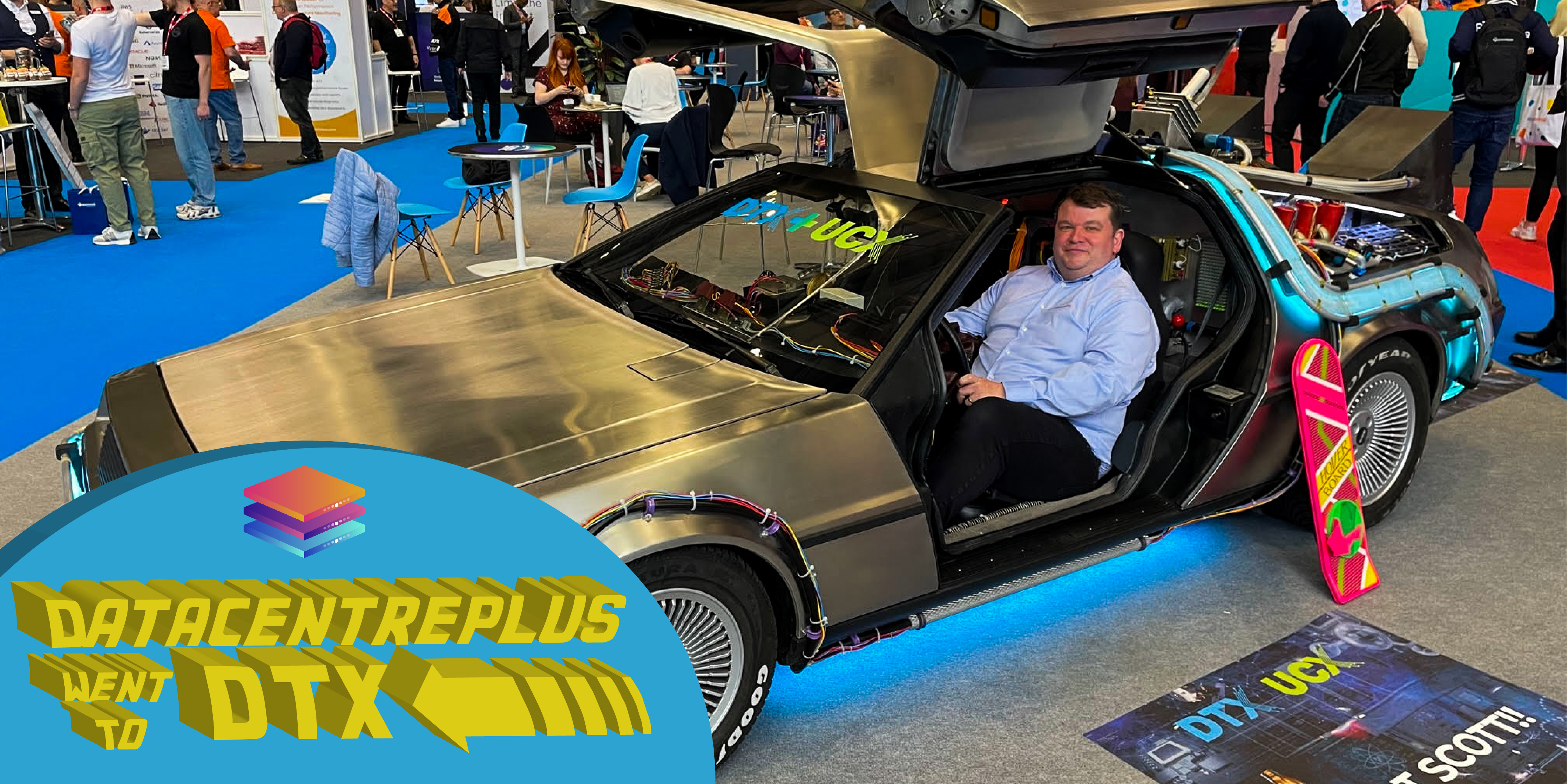
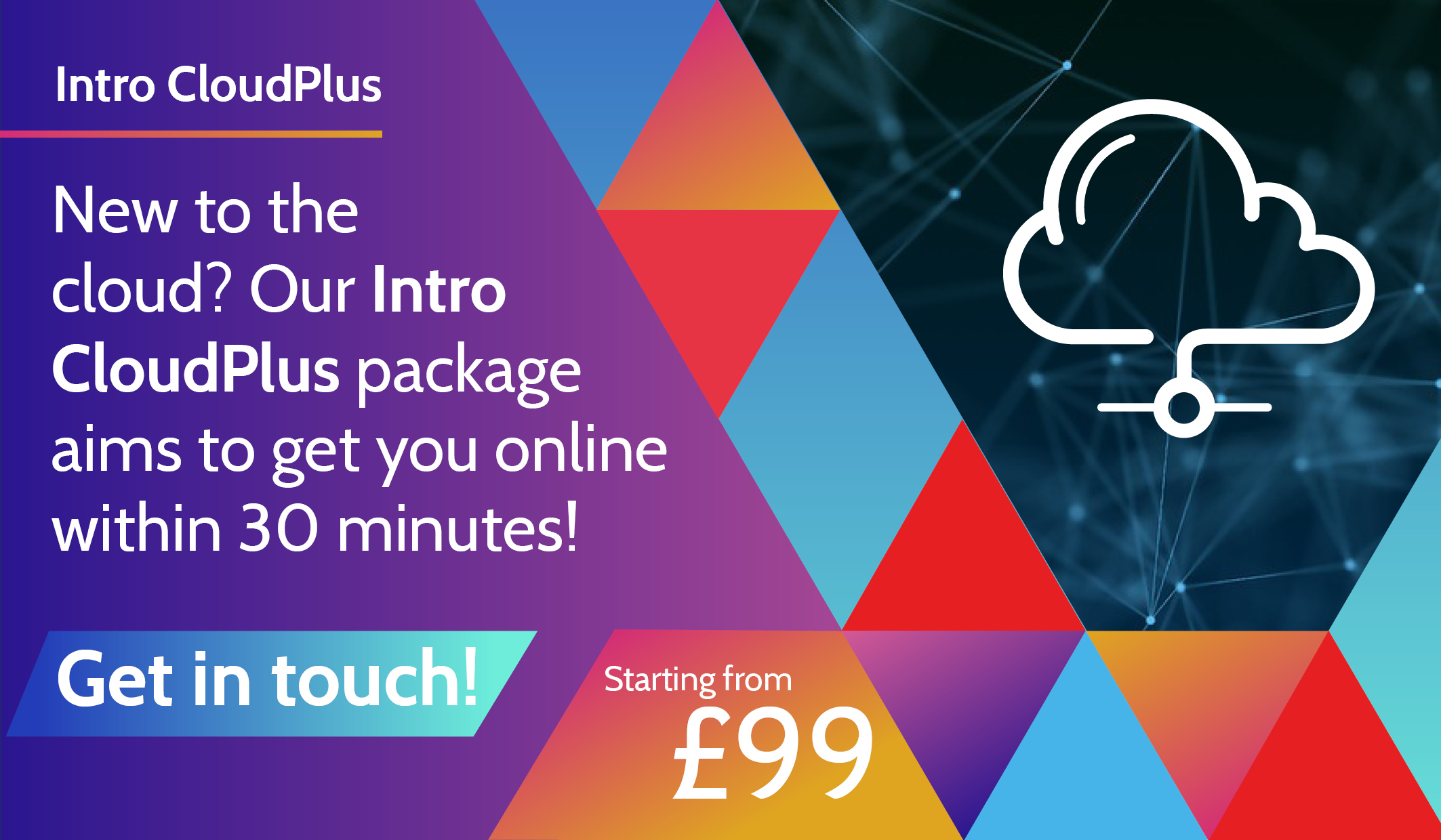
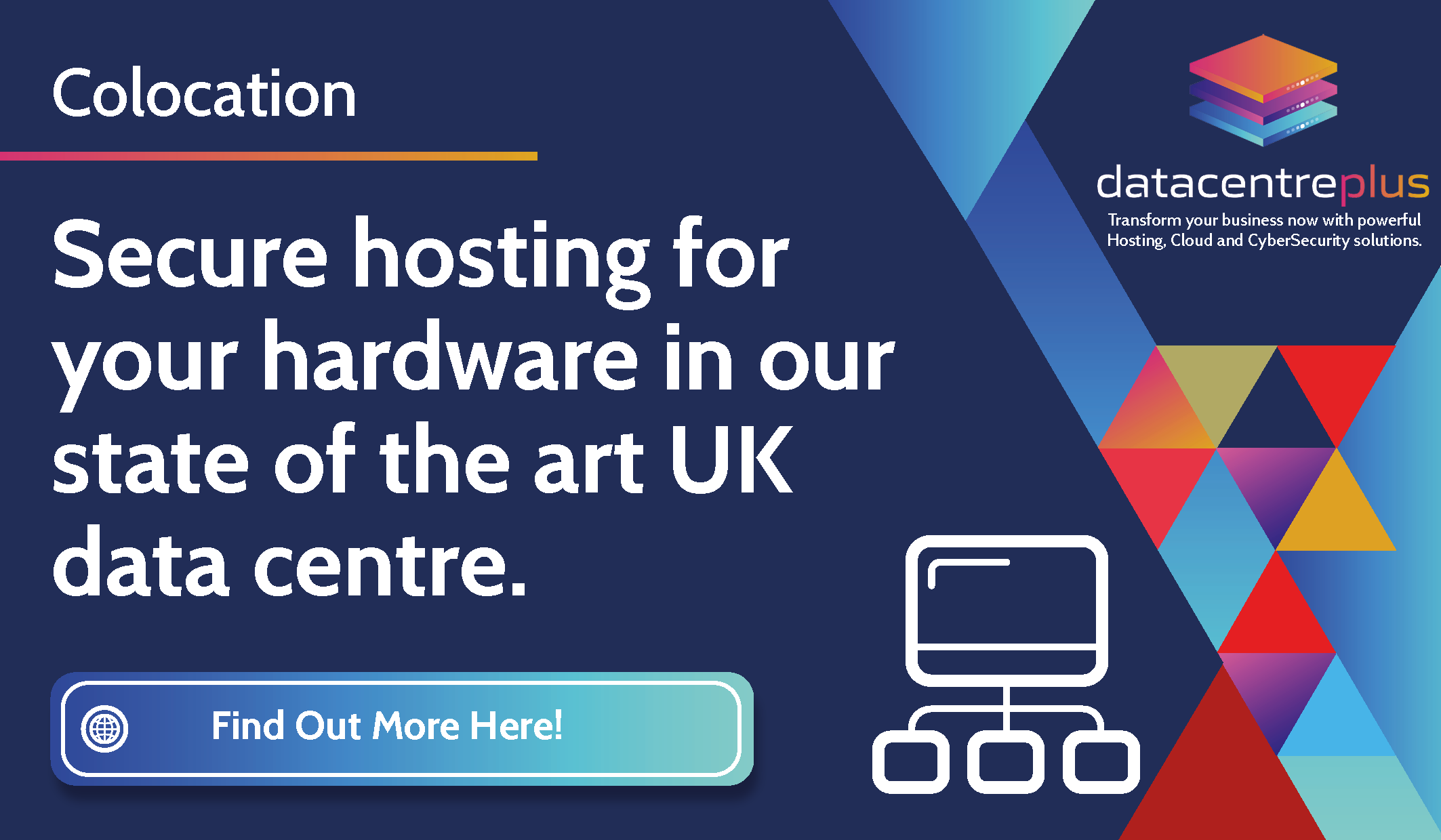
There is a mixture of graphics used for social posts, blog posts, campaigns, personal work and smaller projects.








Graphic Design Tools
Adobe Illustrator – For the majority of my graphic design projects I will use Adobe Illustrator. I usually begin a project by sketching out my ideas and then importing them into Illustrator, from here I will neaten them up using the line and shapes tools.
From here I will make multiple versions of the potential final product and get feedback for each until I have a final product.
Adobe InDesign – I usually use Adobe Indesign for more document/layout based projects such as collateral or marketing materials.
When I start a project of this type I will usually use Pinterest to create a mood board to give myself some inspiration and better visualise the layout.
I will then start to form the project on InDesign and have the usual approach of creating multiple versions and through the process of elimination and making changes in line with feedback

Adobe Photoshop – For more image-based projects such as blog photos or social posts I tend to use Adobe Photoshop as this allows me to manipulate the photos more giving me more freedom with graphic placement.
My approach for projects like this is to pick a suitable image (copyright-free or my own) and import this into Photoshop. From here I will then use the various tools to clean up the photo and remove any aspects of the photo that are unwanted.
When this is done I will create the graphics using the above software, once they’re done I will import them into my project and send for approval.
Procreate – This is a more recent software I have been learning. It enables me to hand draw my graphics with ease and add my own personal touch to projects.
I use this for projects that are a bit more creative and require more complex graphics.
 Portfolio