My Work
Here are some examples of my recent videography work, it’s a mixture of personal and professional work.
2024
2023
Personal Projects
Here are some of the videos I filmed and edited for Datacentreplus.
At Datacentreplus I create or assist in the creation of all the videos used on the youtube channel. This consists of Capturing audio and video assets using a DSLR camera, storyboarding, script writing, producing voiceovers, video editing, posting on socials/youtube and writing the copy to compliment the video.
Video Editing

For video editing, I usually use Adobe Premiere Pro.
When starting a project I will always create a bin in the project section in order to keep things organised and accessible. Once this is created I will take all the footage/assets and upload them into this bin.

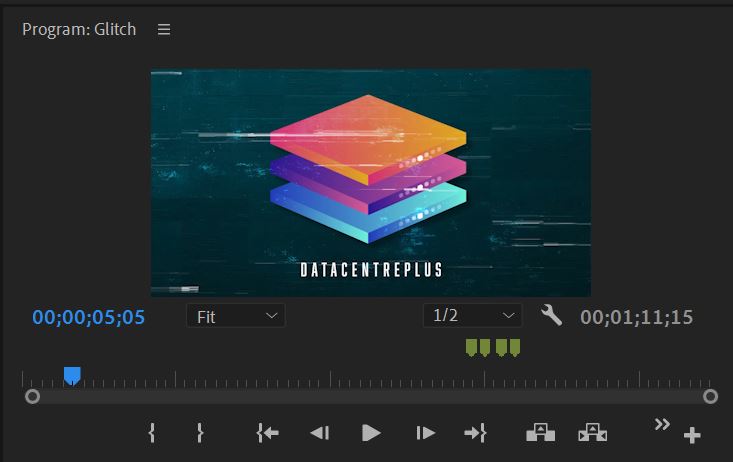
I then start by dragging the usual intro and outro cards from the assets section to show the structure of the video. I like to place the outro card at the desired length of the video to give me a guide to how much space I have.
If I am creating a video with a voice-over I tend to place the voice-over at this stage in the creation process as it’s easier to make the video/image assets fit the voiceover than the other way around.


I will then start dragging the video/image assets into place on the timeline ensuring that the visual matches with the audio.
Once everything is in place I will then look to add transitions where needed, I usually use the fade transition to make the video look more smooth.
I then add some royal free music into the background of the video to make it sound more dynamic and to avoid dead air. I usually use Zapsplat to source these sounds.
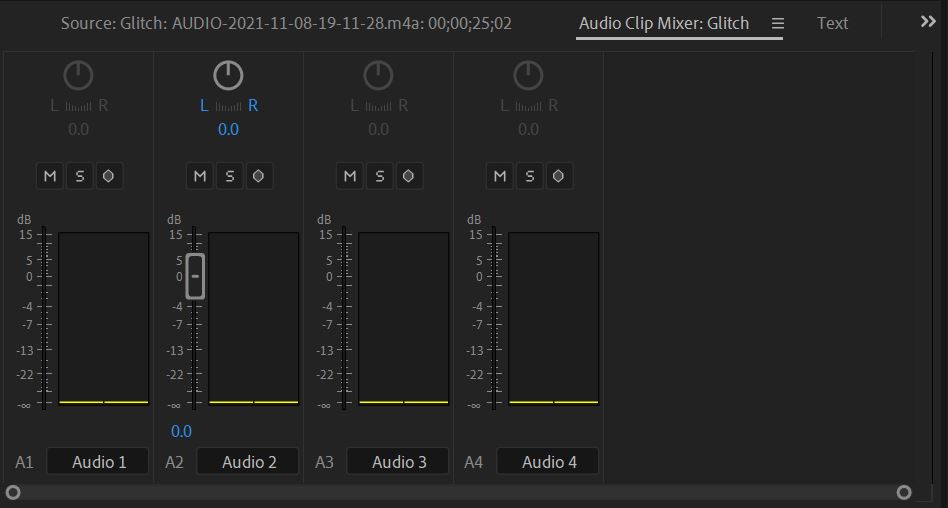
Once I am happy with the audio I will use the audio mixer to ensure the sound levels are correct and that the voice can still be heard clearly over the music.

After I have uploaded all the assets and am happy with everything I will then watch the video a few times through to ensure there are no errors or problems.
The next step is to then export the video.
When exporting I like to set the preset to Match Source – Adaptive High Bitrate and the format to H.264 as this will export the video in high quality but also keep the exporting time relatively short.

Equipment
I have experience shooting video on point-and-shoot cameras i.e. compact cameras and phone cameras however I tend to use DSLR cameras when shooting video but am comfortable with both.
I also have experience using basic equipment such as tripods, microphones and lighting equipment.
 Portfolio